Coordinating many different agents together to accomplish a task isn’t easy. But using Crew AI’s ability to coordinate through planning, that task becomes easier. The most useful aspect of planning is that the system creates a roadmap for agents to follow when completing their project. Once agents have access to the same roadmap, they understand how to coordinate their work on the project.
In this article we will go through an example notebook which illustrates how the plan feature works with two agents. One agent does the research, and the other agent creates an article from the research.
Table of contents
Why Planning Matters
Without a joint plan, agents tend to rely on individual reasoning regarding the assigned task. Under certain circumstances, this model may yield satisfactory results; however, it is prone to generate inconsistencies and redundancy efforts among agents. Planning creates a comprehensive work outline for all agents, allowing them to access the same document, leading to improved overall efficiency:
As a result of planning:
- Increased Structure
- Aligned Tasks
- Increased Quality of Work
- More Predictable Workflows
Planning is especially important as pipeline complexity increases through multiple sequential activities.
Hands-On Walkthrough
The hands-on requires a sound understanding of CrewAI. If you haven’t had the time to catch up with this robust tool, you can read more about this here: Building Agents with CrewAI
The walkthrough demonstrates the full configuration as well as how to set up your agents and tasks, along with the benefits of planning.
Step 1: Install Dependencies
These packages allow access to CrewAI, the browser tools, and search capabilities.
!pip install crewai crewai-tools exa_py ipywidgetsAfter installing these packages, you will want to load your environment variables.
import dotenv
dotenv.load_dotenv()
Step 2: Initialize Tools
The agents for this example consist of two tool types: a browser tool and an Exa search tool.
from crewai_tools import BrowserTool, ExaSearchTool

browser_tool = BrowserTool()
exa_tool = ExaSearchTool()
These tools provide agents with the capability of researching real world data.
Step 3: Define the Agents
There are two roles in this example:
Content Researcher
This AI agent collects all the necessary factual information.
from crewai import Agent

researcher = Agent(
    role="Content Researcher",
    goal="Research information on a given topic and prepare structured notes",
    backstory="You gather credible information from trusted sources and summarize it in a clear format.",
    tools=[browser_tool, exa_tool],
)
Senior Content Writer
This agent will format the article based on the notes collected by the Content Researcher.
writer = Agent(
    role="Senior Content Writer",
    goal="Write a polished article based on the research notes",
    backstory="You create clean and engaging content from research findings.",
    tools=[browser_tool, exa_tool],
)
Step 4: Create the Tasks
Each agent will be assigned one task.
Research Task
from crewai import Task

research_task = Task(
    description="Research the topic and produce a structured set of notes with clear headings.",
    expected_output="A well-organized research summary about the topic.",
    agent=researcher,
)
Writing Task
write_task = Task(
    description="Write a clear final article using the research notes from the first task.",
    expected_output="A polished article that covers the topic thoroughly.",
    agent=writer,
)
Step 5: Enable Planning
This is the key part. Planning is turned on with one flag.
from crewai import Crew

crew = Crew(
    agents=[researcher, writer],
    tasks=[research_task, write_task],
    planning=True
)
Once planning is enabled, CrewAI generates a step-by-step workflow before agents work on their tasks. That plan is injected into both tasks so each agent knows what the overall structure looks like.
Step 6: Run the Crew
Kick off the workflow with a topic and date.
result = crew.kickoff(inputs={"topic":"AI Agent Roadmap", "todays_date": "Dec 1, 2025"})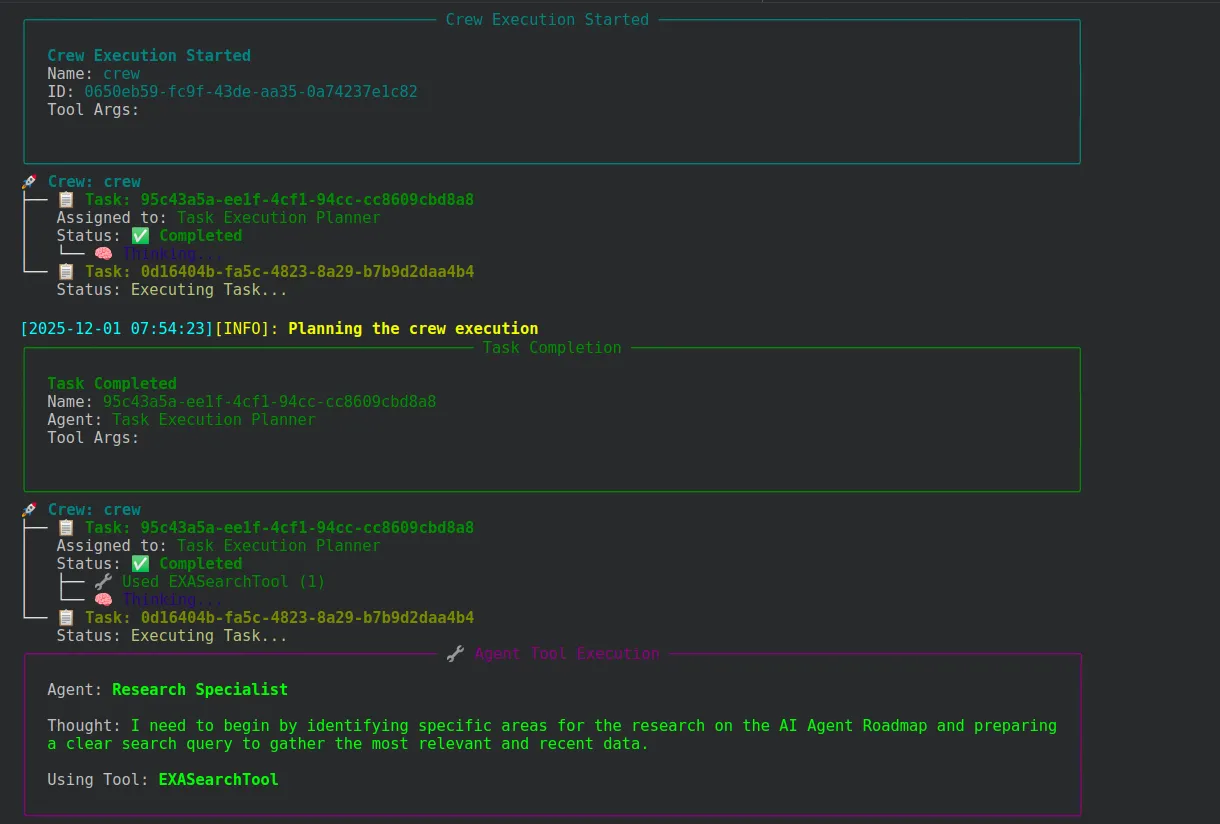
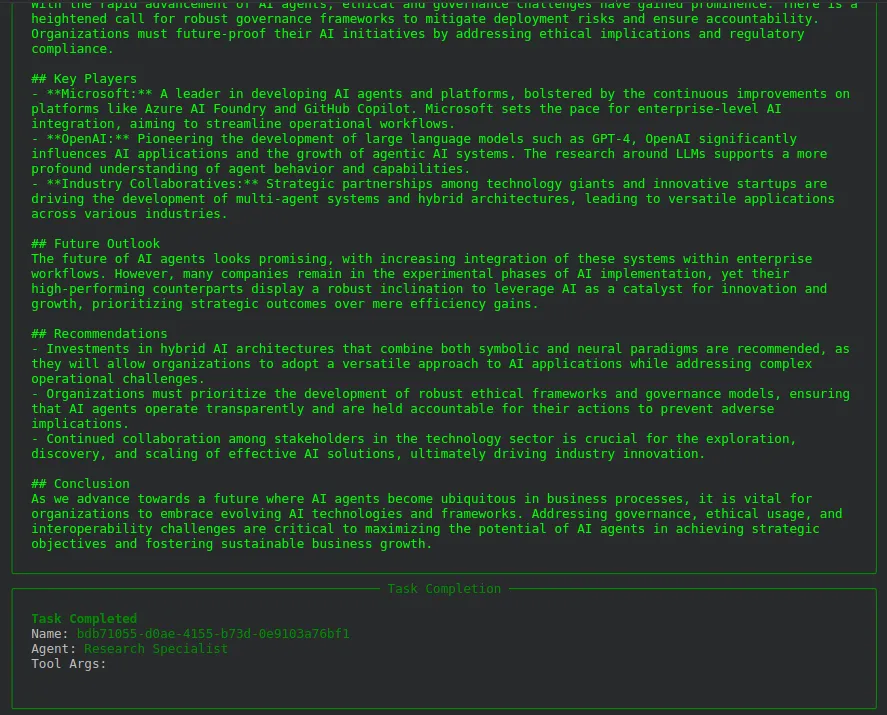
The process looks like this:
- CrewAI builds the plan.
- The researcher follows the plan to gather information.
- The writer uses both the research notes and the plan to produce a final article.
Display the output.
print(result)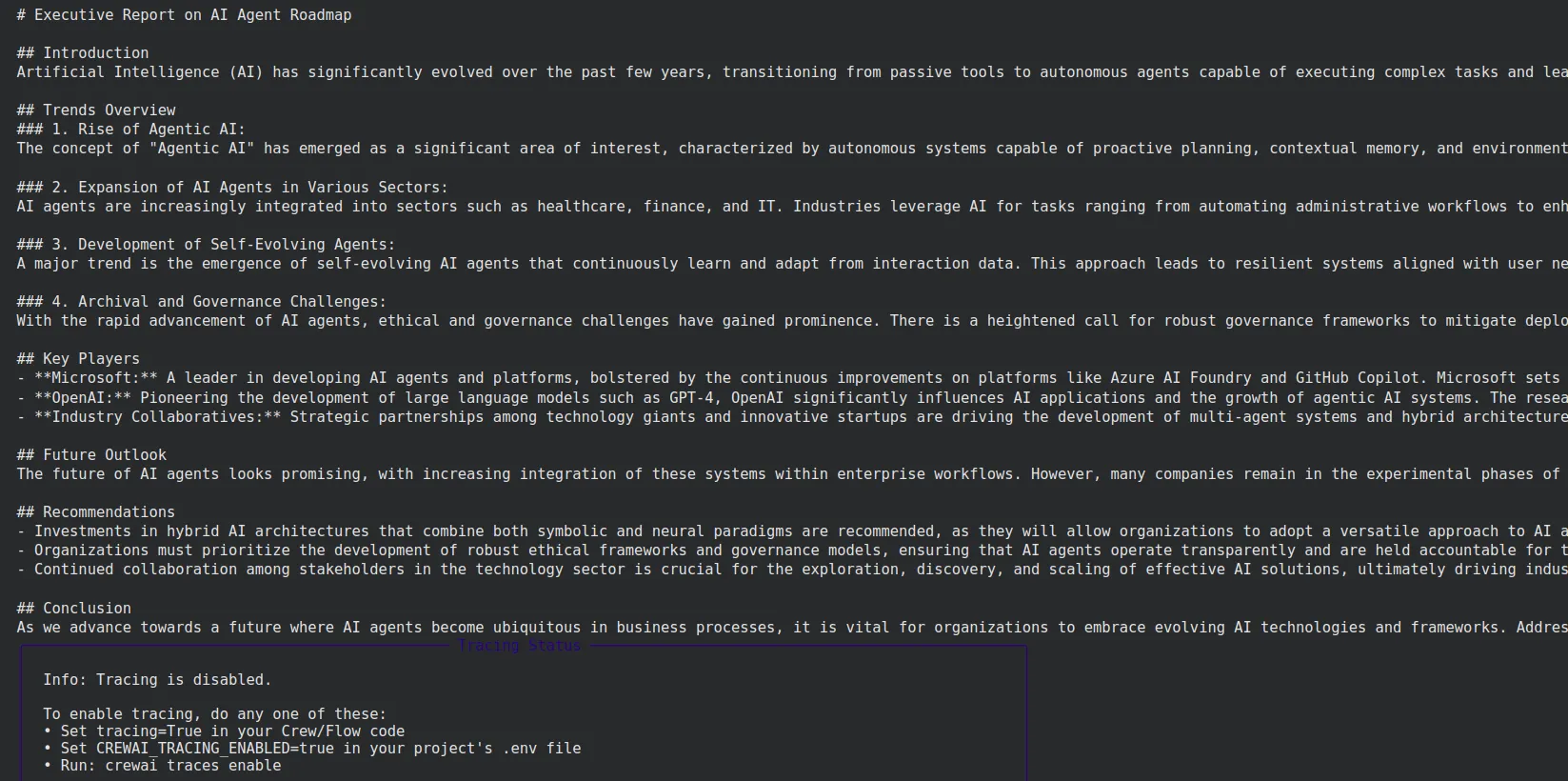
You will see the completed article and the reasoning steps.
Conclusion
This demonstrates how planning allows CrewAI agents to work in a much more organized and seamless manner. By having that one shared roadmap generated, the agents will know exactly what to do at any given moment, without forgetting the context of their role. Turning the feature on is very easy, and its perfect application is in workflows with stages: research, writing, analysis, content creation-the list goes on.
Frequently Asked Questions
Q1. How does planning help in CrewAI?
A. It gives every agent a shared roadmap, so they don’t duplicate work or drift off-track. The workflow becomes clearer, more predictable, and easier to manage as tasks stack up.
Q2. What do the two agents do in the example?
A. The researcher gathers structured notes using browser and search tools. The writer uses those notes to produce the final article, both guided by the same generated plan.
Q3. Why turn on the planning flag?
A. It auto-generates a step-by-step workflow before tasks begin, so agents know the sequence and expectations without improvising. This keeps the whole pipeline aligned.
Hi, I am Janvi, a passionate data science enthusiast currently working at Analytics Vidhya. My journey into the world of data began with a deep curiosity about how we can extract meaningful insights from complex datasets.