No-code platforms are quietly changing who gets to build software. You no longer need to be an engineer to create apps, automate workflows, or launch products. The barrier isn’t technical skill anymore. It’s knowing where to start.
This article brings together some of the best no-code platforms available today. Each serving a different kind of builder, whether you want to create internal tools, launch a startup, automate repetitive work, or just explore what’s possible without writing code.
Table of contents
- For building full web apps without code
- For automating workflows across tools
- For flexible, AI-first automation
- For launching websites and startups
- For designing apps visually
- For managing data as your backend
- For building scalable mobile apps
- For connecting APIs and advanced automation
- For building AI-powered tools
- For structured, scalable business apps
- Final thoughts
- Frequently Asked Questions
1. For building full web apps without code
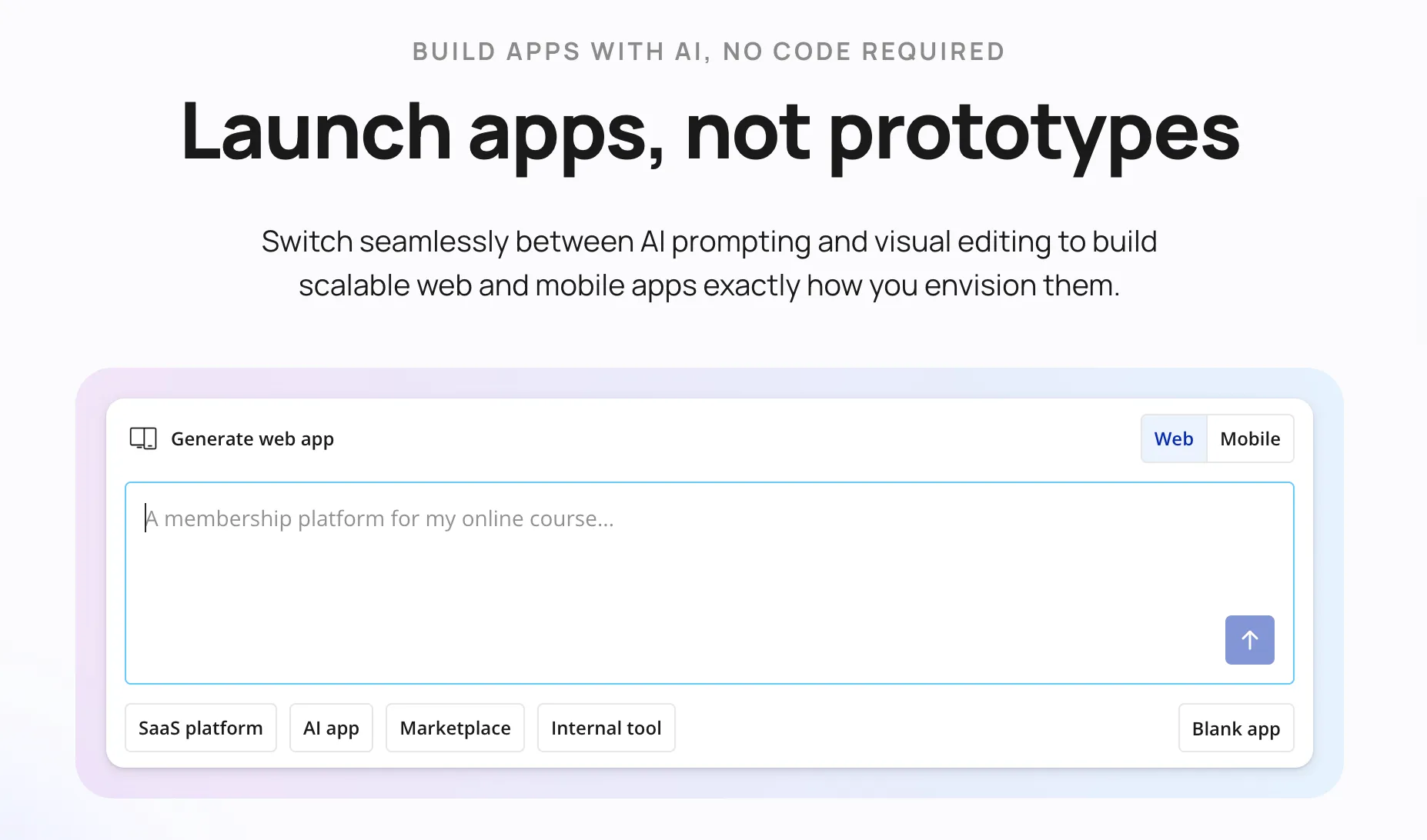
Bubble.io | The closest thing to programming without programming
Bubble is where many serious no-code journeys begin. It lets you build full-fledged web applications with logic, databases, and user accounts, all visually. People have built entire marketplaces, SaaS products, and client portals on it.
What makes Bubble special?
- True web app capability, not just websites
- Visual logic and database system
- Huge ecosystem of templates and plugins
- Capable of supporting real startups
Perfect for people who want to build actual products, not just prototypes.
2. For automating workflows across tools
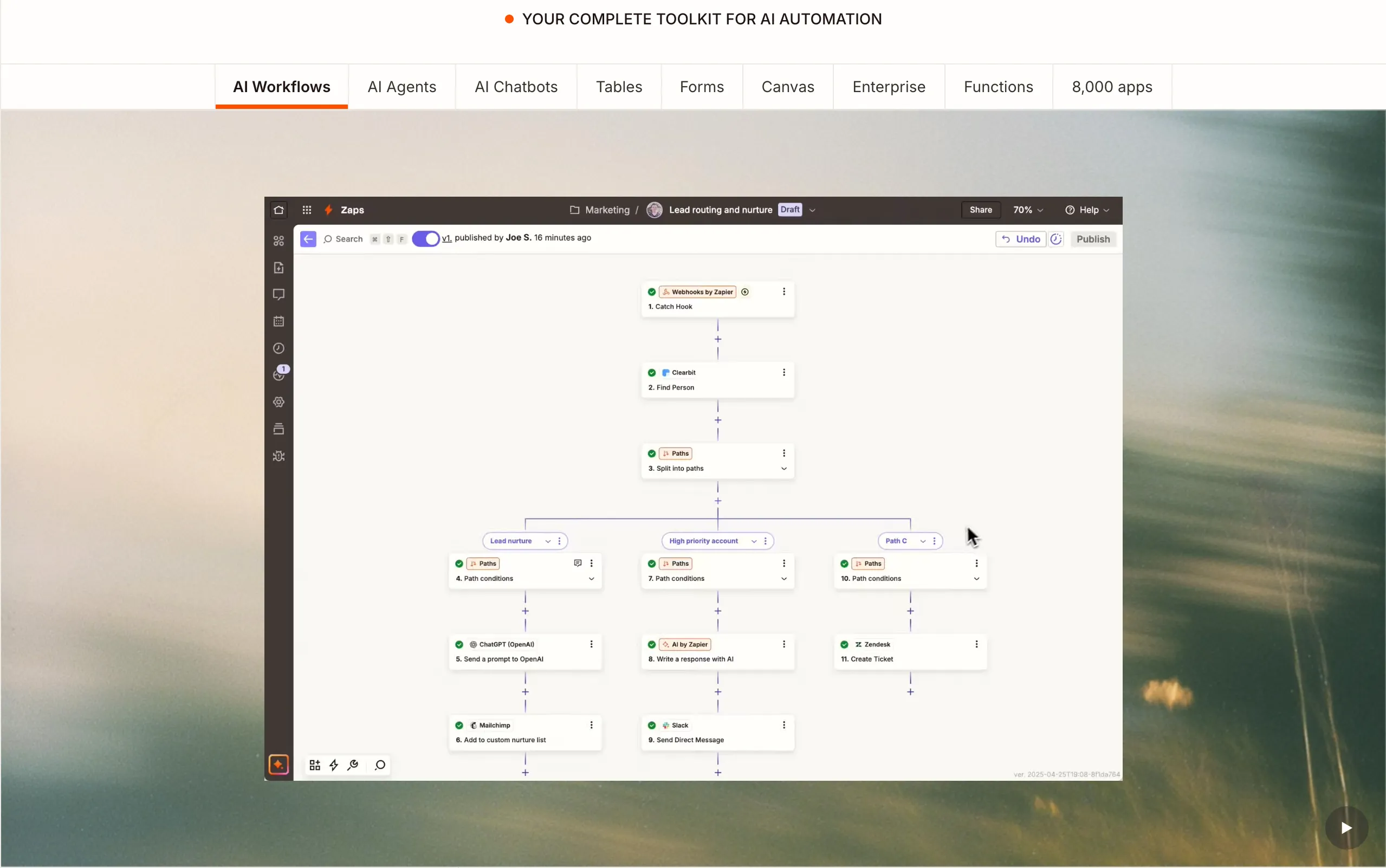
Zapier | Automation that quietly saves hours every week
Zapier connects your apps and lets them talk to each other. When something happens in one tool, it can trigger actions in another. It’s simple, but the impact compounds quickly.
What makes Zapier special?
- Connects thousands of apps
- Beginner-friendly automation builder
- Saves time on repetitive tasks
- Reliable and widely adopted
Best for automating routine tasks.
3. For flexible, AI-first automation
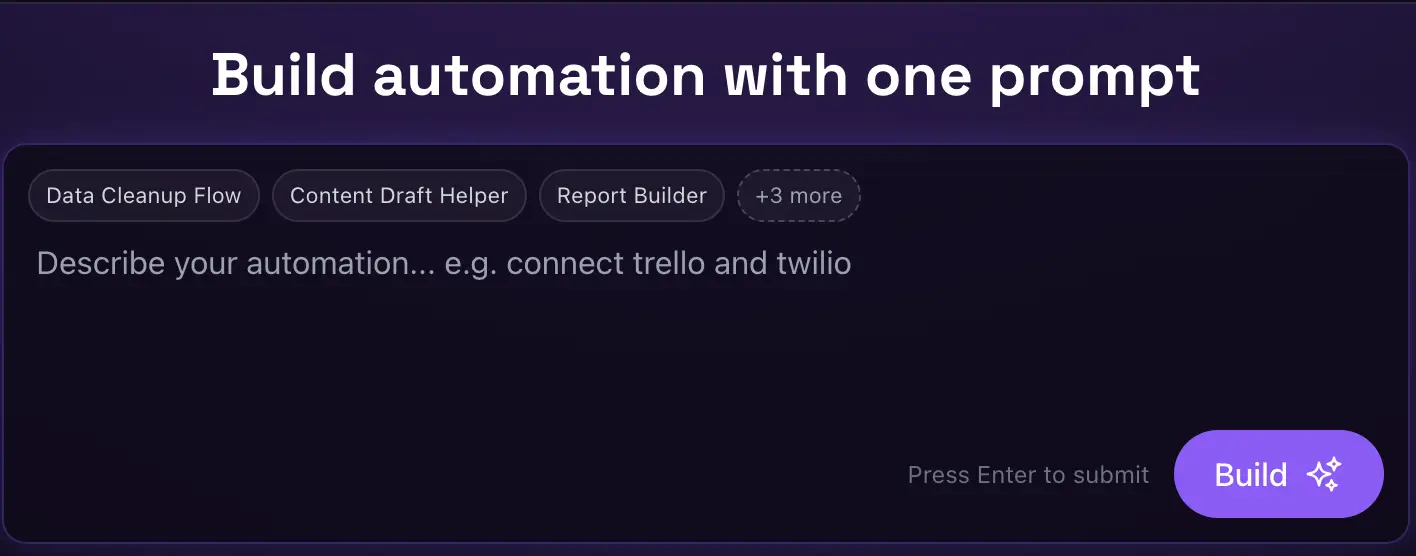
Latenode | The brain for your AI agents
Latenode is built for the 2026 AI era. It gives you a visual canvas but includes a built-in AI Co-pilot that writes any necessary logic for you. You just describe what you want the automation to do in plain English.
What makes Latenode special?
- AI-assisted logic building
- Visual, non-linear canvas
- Lower cost for high-volume tasks
- No-code API integration
Best for building smart AI agents and workflows.
4. For launching websites and startups
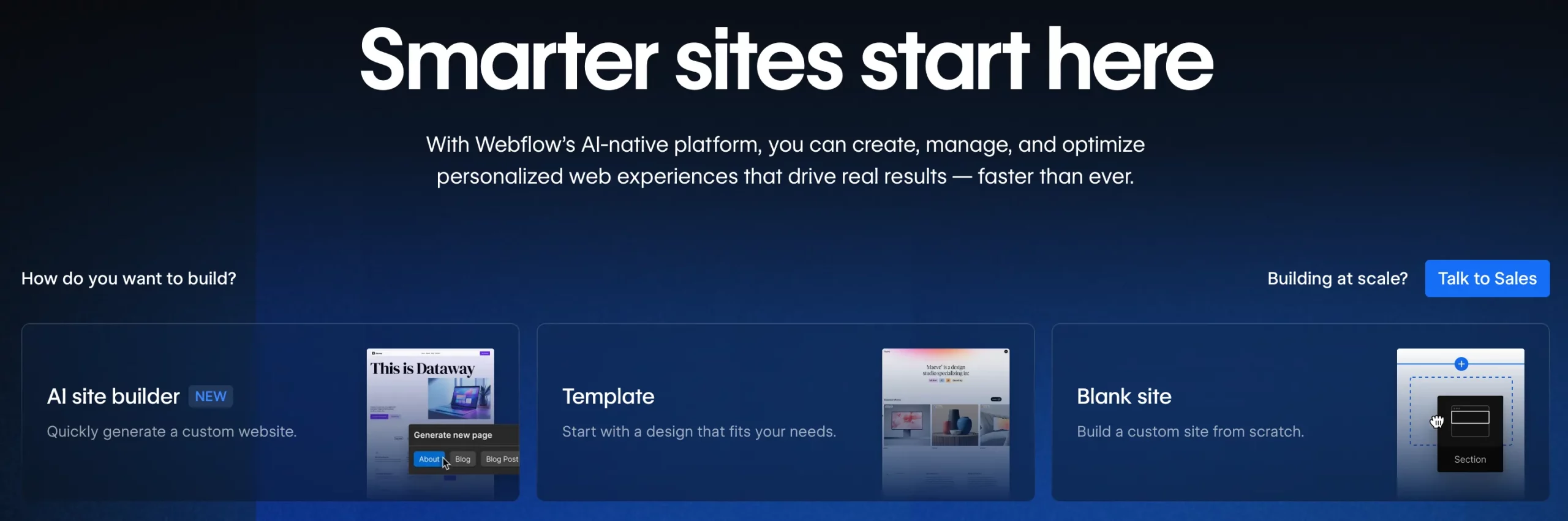
Webflow | Aesthetic website building with serious power
Webflow gives designers full control over websites without code. It’s visual, but also precise and doesn’t compromise aesthetics for functionality. Many startups launch their first product sites here.
What makes Webflow special?
- Professional-grade website design
- No coding required
- CMS built in
- Clean, production-ready output
Ideal for founders, designers, and creators. Also useful for visualising concepts or prototypes.
5. For designing apps visually
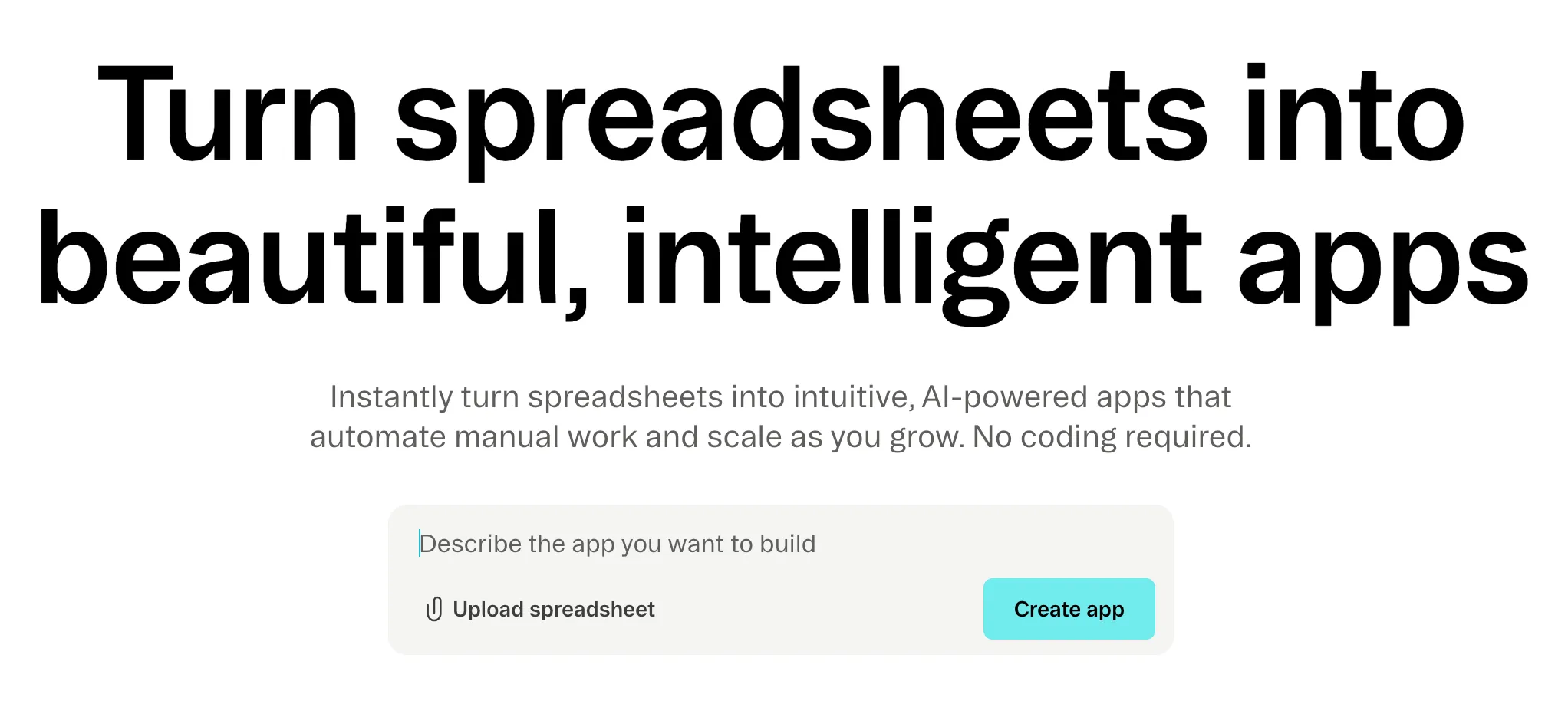
Glide | Turn spreadsheets into apps
Glide lets you convert simple data into working apps. It feels surprisingly approachable and turns spreadsheets into apps visually. A sound tool for visualizing insights.
What makes Glide special?
- Extremely beginner friendly
- Fast app creation
- Clean interface
- Perfect for internal and simple apps
Good starting point for those working with a lot of data.
6. For managing data as your backend
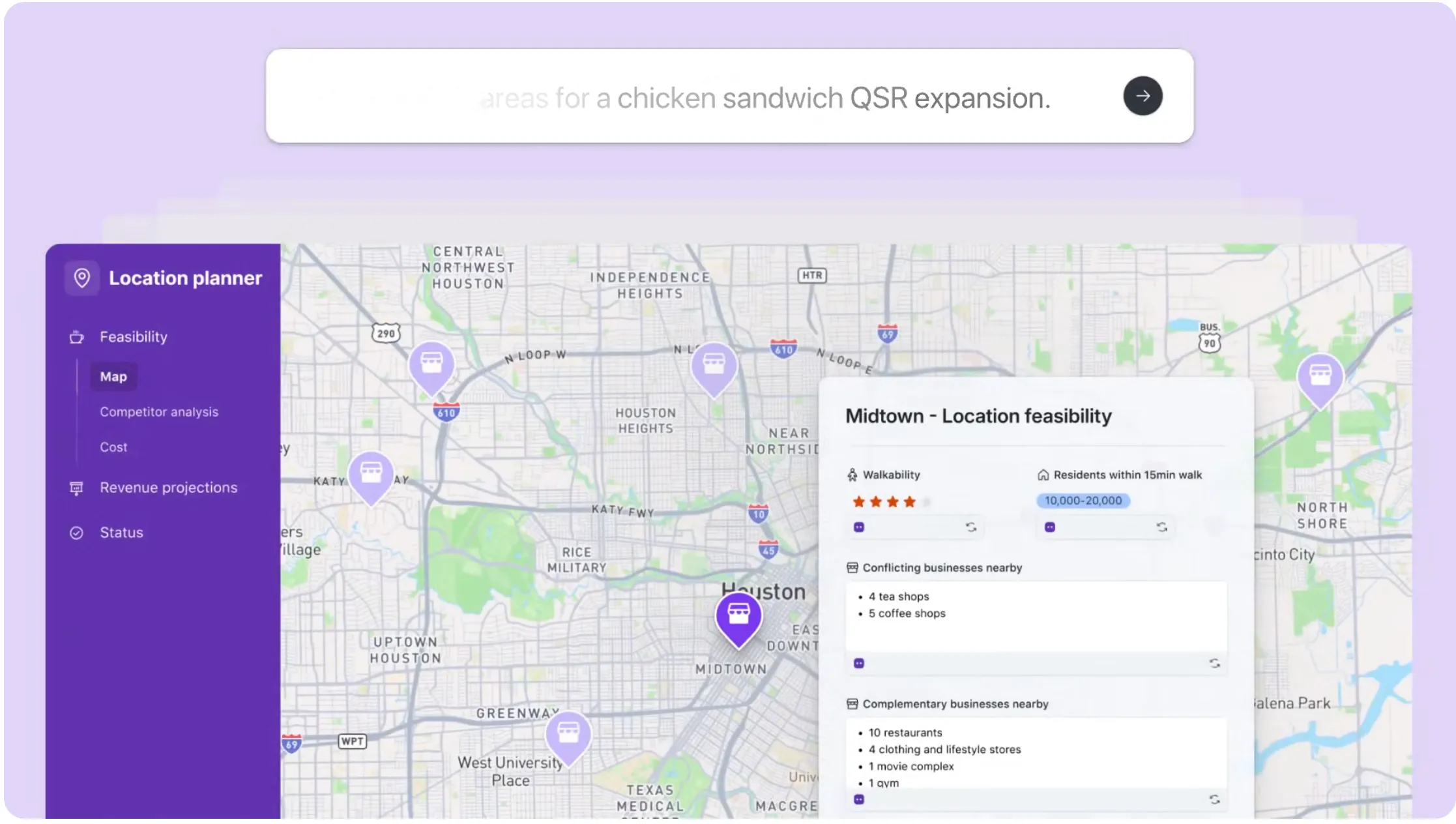
Airtable | Where spreadsheets evolve into real systems
Airtable looks like a spreadsheet but behaves like a database. It allows teams to organize complex projects or content calendars while providing a structured foundation that other no-code tools can use. Many no-code tools use it as their backend.
What makes Airtable special?
- Simple but powerful
- Flexible data structure
- Easy integrations
- Visual and intuitive
Best for organizing and powering your projects.
7. For building scalable mobile apps
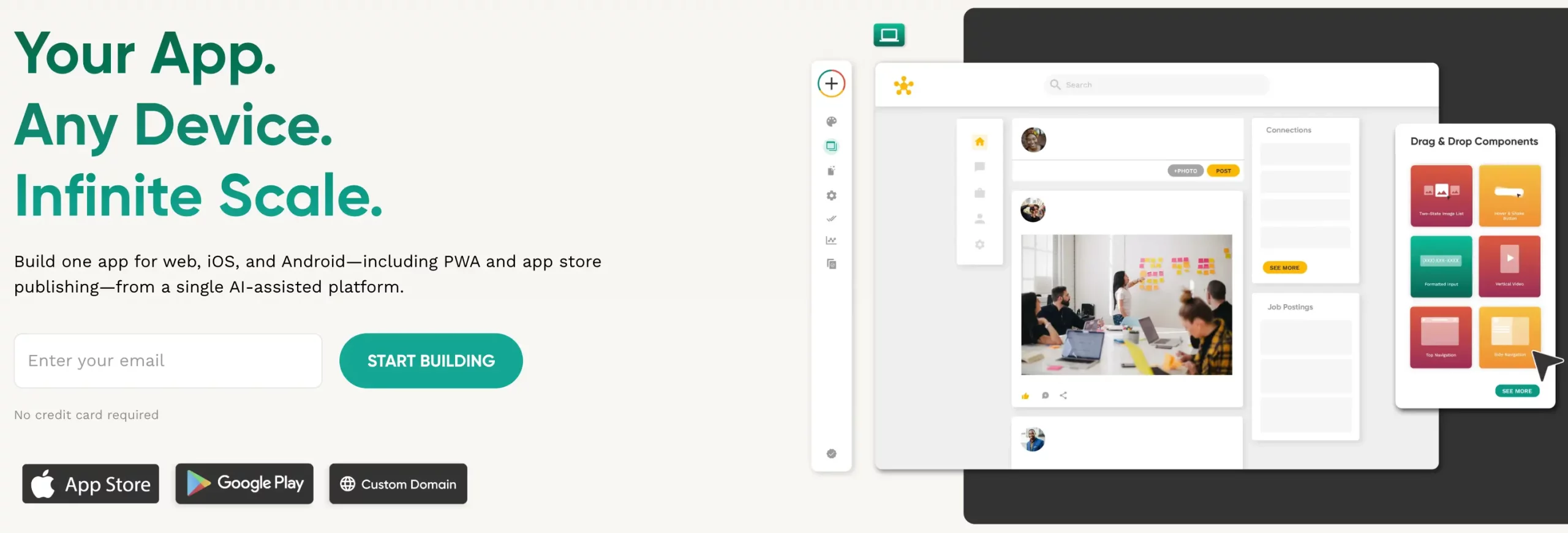
Adalo | Create mobile apps visually
Adalo focuses on mobile apps. It features a drag-and-drop interface where you can link components to a built-in database to create dynamic user experiences. You can design screens, logic, and publish apps without coding.
What makes Adalo special?
- Mobile-focused
- Visual interface
- Built-in database
- Beginner accessible
Good for turning ideas into real mobile apps.
8. For connecting APIs and advanced automation
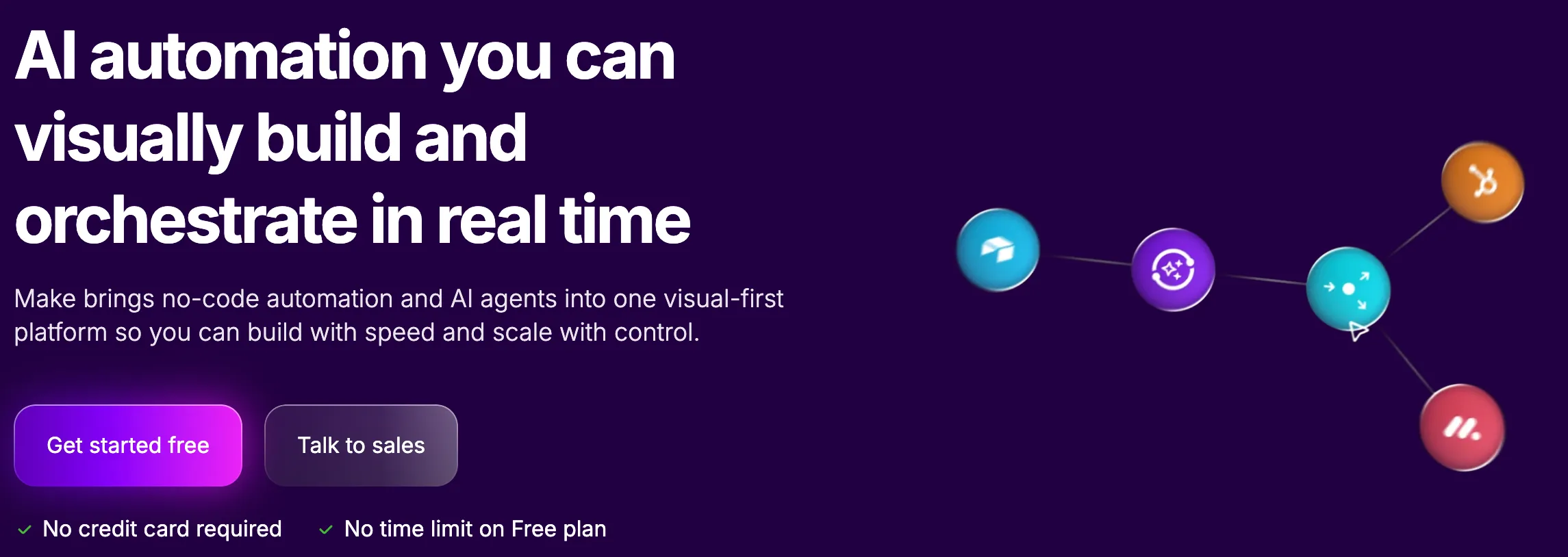
Make | Automation with more depth and control
Make is like Zapier’s more flexible sibling. It uses a high-resolution visual builder that lets you watch your data move through complex paths and filters in real-time. A go-to choice for those requiring data manipulation and complex multi-API workflows.
What makes Make special?
- Powerful automation builder
- Visual workflow control
- Advanced logic support
- Deep integrations
Best for people who want more control over automation.
9. For building AI-powered tools
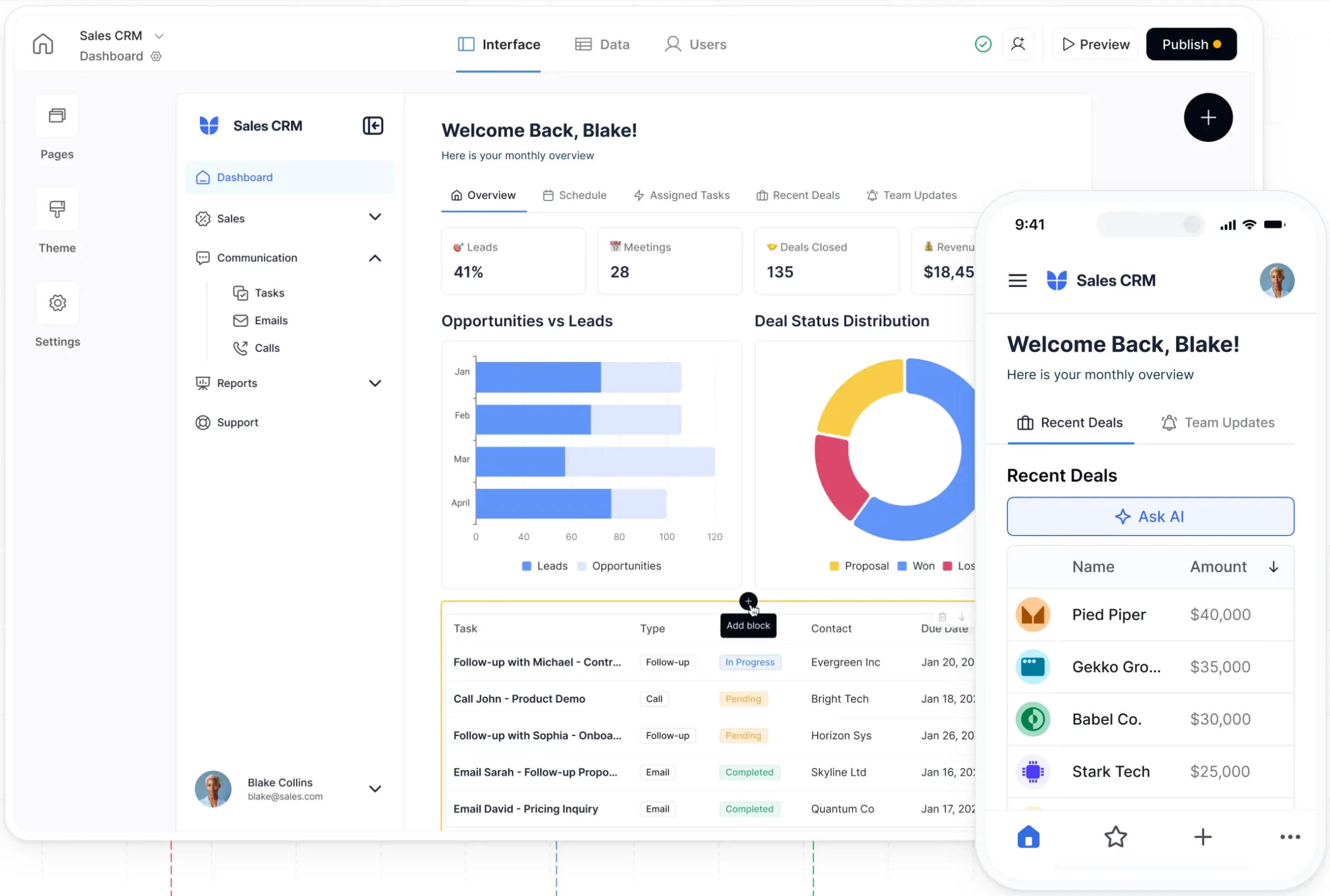
Softr | Build apps powered by your data and AI
Softr makes it easy to build portals, tools, and apps connected to your data. In 2026, it has become a leader in the “AI-app” space by offering pre-built blocks that let you integrate LLMs directly into your user interface.
What makes Softr special?
- Clean interface
- Fast deployment
- Works well with Airtable
- Growing AI integrations
Good for modern business tools.
10. For structured, scalable business apps
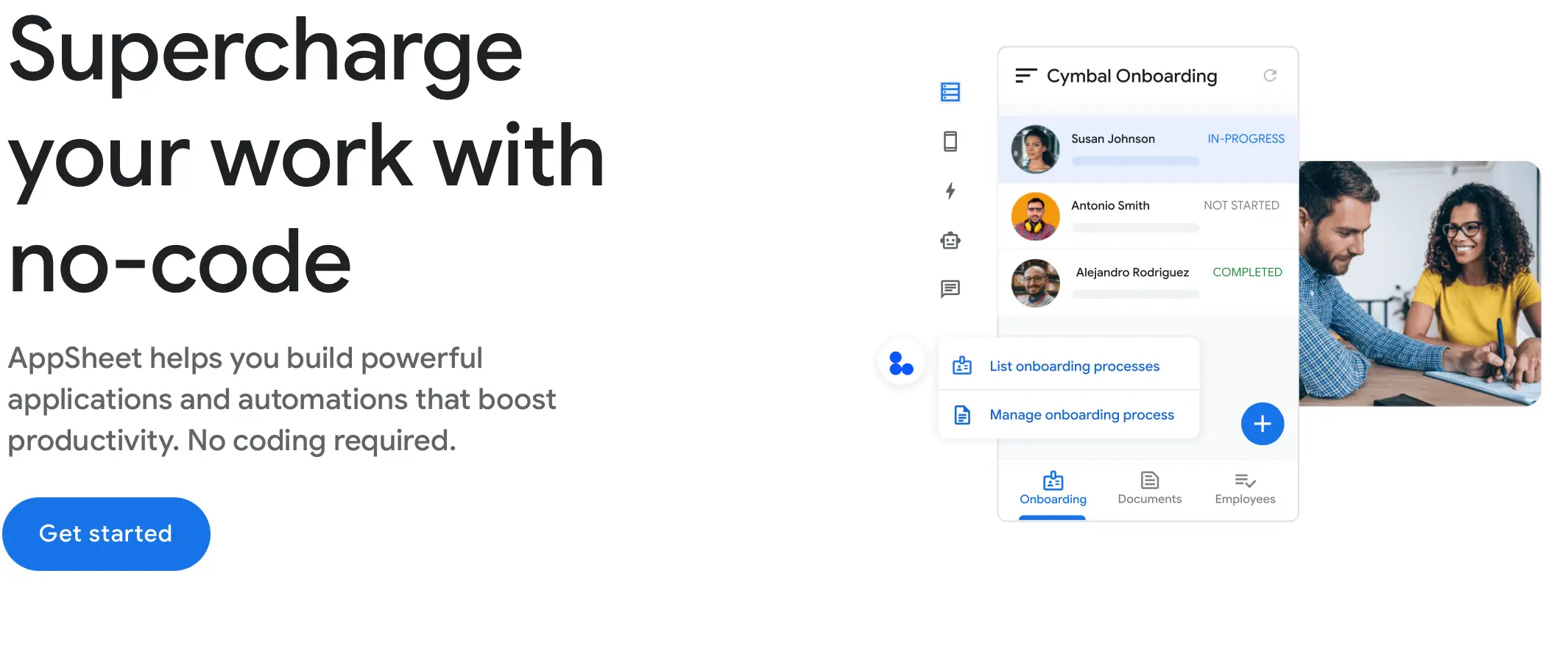
Google AppSheet | Turning business data into enterprise apps
AppSheet is a “No-code” that uses a declarative approach, meaning you don’t build the app: you describe the data. It’s the industry standard for building internal tools like inventory trackers, HR portals, and field inspection apps without touching a single line of code.
What makes AppSheet special?
- Automatic app generation from data
- Enterprise-level security
- Offline functionality and GPS support
- Native mobile features (barcodes, signatures)
Best for operations, field work, and internal business tools.
Final thoughts
No-code platforms don’t replace developers. They expand who gets to build. No more gatekeeping behind programming languages and frameworks.
Platforms like Bubble are suited for building products from scratch. Zapier and Make, quietly automate everyday work. Platforms like Webflow help you launch faster, while Airtable gives structure to everything behind the scenes.
The best platform depends on what you want to create. Start small. Build something useful. Then build something bigger. If you’re looking for a course to get you kickstarted on your no-code journey, consider the following option: No-code Predictive Analysis
Frequently Asked Questions
Q1. What is a no-code development platform?
A. A no-code platform is a tool that allows you to build software applications, websites, and automations using a visual interface with drag-and-drop components, instead of writing traditional code. It empowers people without a programming background to create functional digital products.
Q2. I’m a beginner with no technical experience. Which platform is best for me?
A. For absolute beginners, Glide is an excellent starting point for building simple apps from spreadsheets, and Zapier is great for automating basic tasks. Both have very gentle learning curves and deliver quick, satisfying results.
Q3. Can I build a serious, scalable business on a no-code platform?
A. Yes, absolutely. Platforms like Bubble are powerful enough to build and scale entire SaaS products, marketplaces, and complex web applications. Many successful startups have been built entirely on Bubble. For enterprise-grade applications, platforms like OutSystems are designed for high scalability and security.
Studying, evaluating, and explaining AI systems for over 6 years.
“𝘖𝘯𝘤𝘦 𝘮𝘦𝘯 𝘵𝘶𝘳𝘯𝘦𝘥 𝘵𝘩𝘦𝘪𝘳 𝘵𝘩𝘪𝘯𝘬𝘪𝘯𝘨 𝘰𝘷𝘦𝘳 𝘵𝘰 𝘮𝘢𝘤𝘩𝘪𝘯𝘦𝘴 𝘪𝘯 𝘵𝘩𝘦 𝘩𝘰𝘱𝘦 𝘵𝘩𝘢𝘵 𝘵𝘩𝘪𝘴 𝘸𝘰𝘶𝘭𝘥 𝘴𝘦𝘵 𝘵𝘩𝘦𝘮 𝘧𝘳𝘦𝘦. 𝘉𝘶𝘵 𝘵𝘩𝘢𝘵 𝘰𝘯𝘭𝘺 𝘱𝘦𝘳𝘮𝘪𝘵𝘵𝘦𝘥 𝘰𝘵𝘩𝘦𝘳 𝘮𝘦𝘯 𝘸𝘪𝘵𝘩 𝘮𝘢𝘤𝘩𝘪𝘯𝘦𝘴 𝘵𝘰 𝘦𝘯𝘴𝘭𝘢𝘷𝘦 𝘵𝘩𝘦𝘮.” — 𝖥𝗋𝖺𝗇𝗄 𝖧𝖾𝗋𝖻𝖾𝗋𝗍, 𝖣𝗎𝗇𝖾