
There has been a seismic shift in the design landscape, with tech professionals standing at its very epicenter. Gone are the days when anyone had to spend years to become a compelling visual creator or pay through the nose for a software license. The recent Canva survey revealed that 78% of marketing leaders now view AI as a critical part of their long-term strategy, while 82% also feel that features offered by AI liberate them to engage in more exciting and creative work.
No matter whether you are a software engineer putting together breathtaking presentations for stakeholders, a product manager putting user journeys into visuals, or a startup founder composing pitch decks, Canva’s AI-powered ecosystem has morphed into something far more intricate than the mere go-to tool it used to be. In 2025, it will be the go-to creative platform that speaks the language of tech professionals.
Table of contents
What is Canva AI?
Canva AI is your new conversational assistant equipped with all the tools to bring your ideas to life. Imagine it as a designer, data analyst, and creative director all bundled into one smart system. In contrast to traditional software design tools that often force users to learn complex interfaces and command-line instructions, Canva AI understands users’ intent via natural conversation (prompts) and translates that into professional visuals, documents, and interactive prototypes.
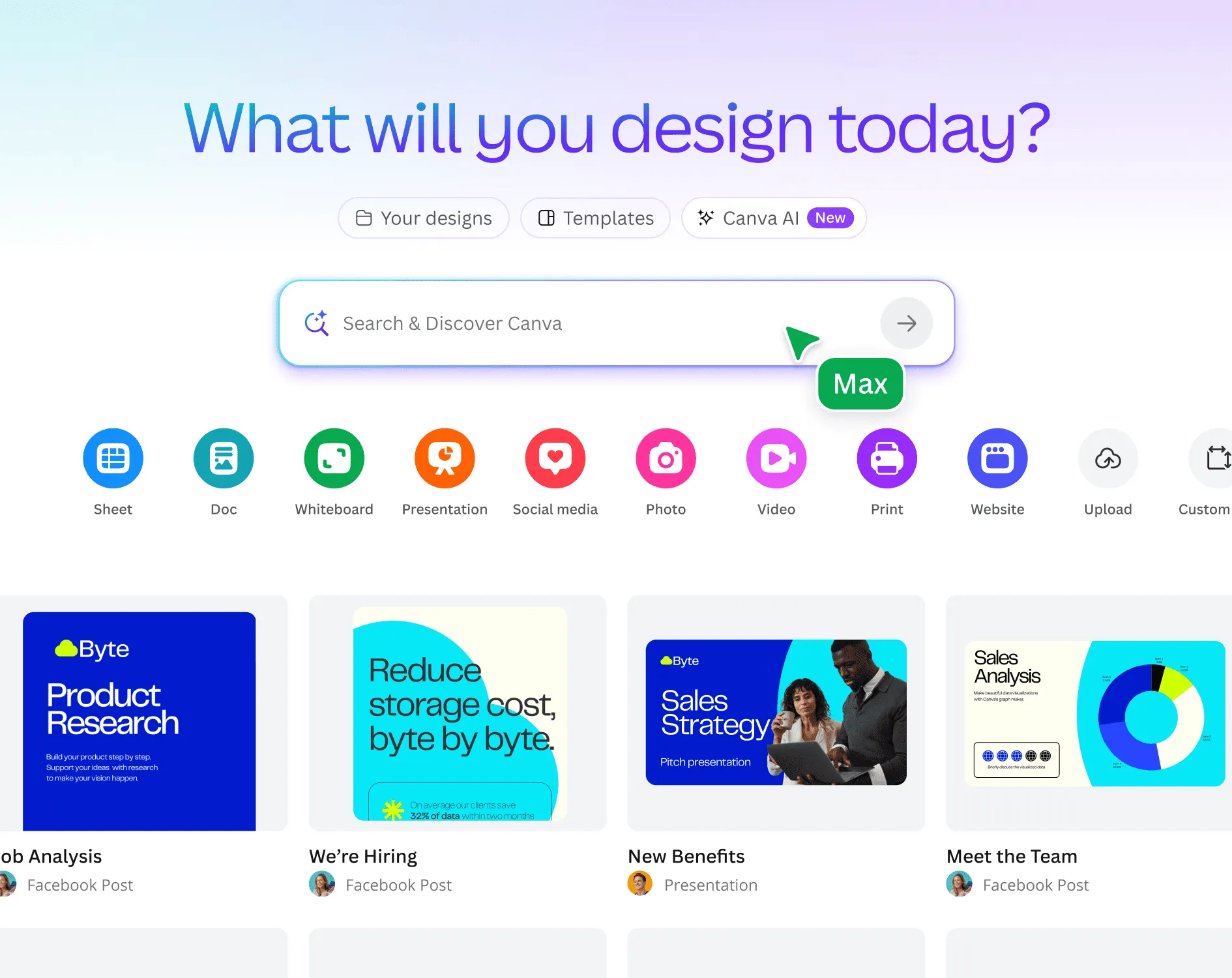
It underwent a massive transformation in 2025, from being a mere drag-and-drop design app to an AI-native creative platform, according to experts in the industry. Canva’s newest AI launches are your creative partner to design, write, code, edit, and visualize data, faster and easier than ever before.
Why Do These Matter?
Your capability of visually communicating ideas is the lifeblood or death of most projects. Some scenarios a tech individual has to face include:
- The Startup Owner’s Agony of Choice: Investor-ready pitch decks are needed, but hiring a $5,000+ designer can take weeks. Your technical knowledge does not translate into visual storytelling, yet your financing depends on it.
- The Product Manager’s Challenge: She rails on user research, feature specifications, and stakeholder presentations. Time-honored wireframes, user journey maps, and data visualization path specifications normally require all sorts of tools and much precious time.
- The Developer’s World: Your excellent code needs documentation. Your API needs visuals, and your team needs project timelines. And design work amounts to changing gears to an entirely different language.

This is where Canva AI fills in gaps, having a technical understanding and turning ideas into professional visuals without requiring design know-how. It is not to replace designers; rather, it is to empower techies to communicate their ideas independently while designers concentrate on higher-level creative strategy.
How Does It Work?
Canva AI is built upon conversational interfaces and uses advanced machine learning models. Rather than clicking through menus and toolbars, you simply describe what you want. The system understands context, negotiates design compromises, and iterates upon feedback in real time.

The entire process is accomplished by three core components:
- Natural Language Processing: The AI picks up on technical terminology, requirements for a project, and design intent from rather bare-bones descriptions.
- Contextual Design Intelligence: This maintains visual consistency across documents, understands brand guidelines, and recommends improvements based on design principles.
- Integrated Workflow Automation: Canva AI is not a stand-alone type of AI; it brings together design, data analysis, content creation, and presentations in one smooth workflow.
Key Features for Tech Professionals
Here are the key features of Canva AI:
1. Canva AI Assistant (Conversational Creative Partner)
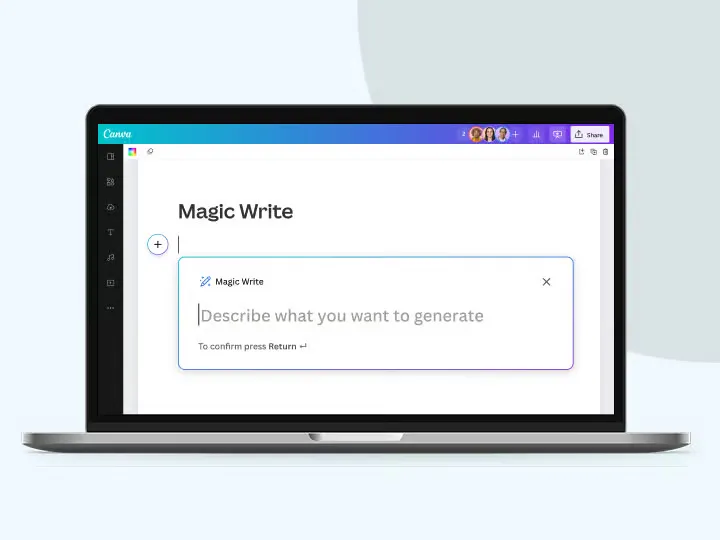
The Canva AI Assistant is an actual metamorphosis that crowns our creative work. If you are able to imagine ideas, create copy, then your thoughts will be converted into eerie designs-one hundred percent editable. From conception to creation, it’s an inspiring conversation with Canva AI.
How Does It Work for Tech Professionals?
Imagine you’re prepping for a technical review meeting. Instead of doing it for hours creating slides, you just let the AI know, “Create a system architecture presentation for our microservices migration, and highlight security improvements and performance metrics.” The AI goes far beyond just slide creation: it constructs a story-like flow, proposes appropriate diagrams, and shows recommended data visualizations for your technical content.
Key Features of Canva AI Assistant:
- Technical Documentation: Generate API documentation, user guides, and technical specifications with styling and visual hierarchy appropriately
- Project Planning: Generate Gantt charts, sprint planning boards, and milestone trackers from simple descriptions
- Stakeholder Communication: Convert technical concepts to executive presentations with an appropriate level of abstraction
Hands-On Task for Canva AI Assistant:
Prompt: “Create a 12-slide technical presentation about our successful microservices migration. The audience includes both engineers and executives. Highlight security improvements, performance metrics, cost savings, and future scalability benefits. Include before/after architecture diagrams and key performance data visualizations.”
Output:
2. Magic Media: Text‑to‑Image, Graphics & Video Generation
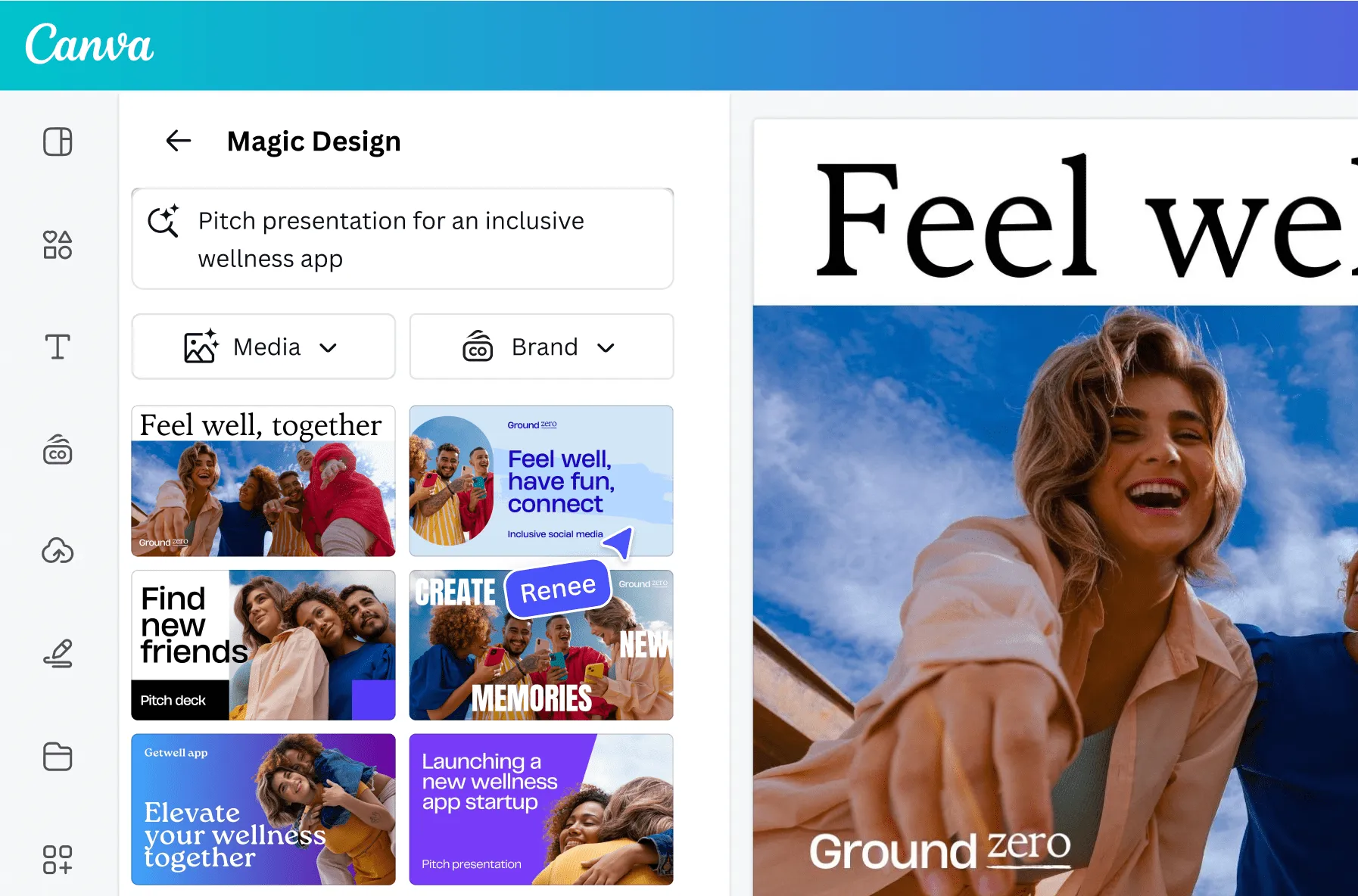
Magic Media has evolved from a simple image generation tool to an advanced visual content-creation engine for professional use cases. Please enthral the onlookers with AI-generated visuals bearing objects, aesthetics, or textures derived from your favorite reference images. Upload the style you like and see how your images can be transformed and matched.
How Does It Work for Tech Professionals?
The system uses advanced diffusion models trained based on the principles of design so that the generated content follows professional standards. For a tech professional, the key would be to create visuals that supplement technical communication and not distract from it.
Key Features of Magic Media:
- Technical Illustration Generation: Create network diagrams, system architectures, and process flows from text descriptions
- Brand-Consistent Imagery: Upload your company’s style guide once, and all generated visuals will maintain brand consistency
- Video Content Creation: Generate explainer videos for complex technical concepts, perfect for documentation or training materials
Hands-on Task for Magic Media:
Prompt 1: “Create a dramatic 3D visualization of AI protecting digital cities with glowing shields and matrix-style data rain.”
Output:
Prompt 2: “Create a 15-second Instagram Reel showing before/after coding productivity with trendy transitions and upbeat energy.”
Output:
3. AI‑Powered Photo Editor: Magic Eraser, Expand, Background Generator
Photo editing facilities extend far beyond consumer-level filters. One tool allowed one to click and paint out spots and minor artifacts in photographs, whereas another background generator would keep in view the lighting and layout. Technologists would love this product unit, for it turns out to be a very powerful image manipulation tool for presentations, documentation, and marketing.
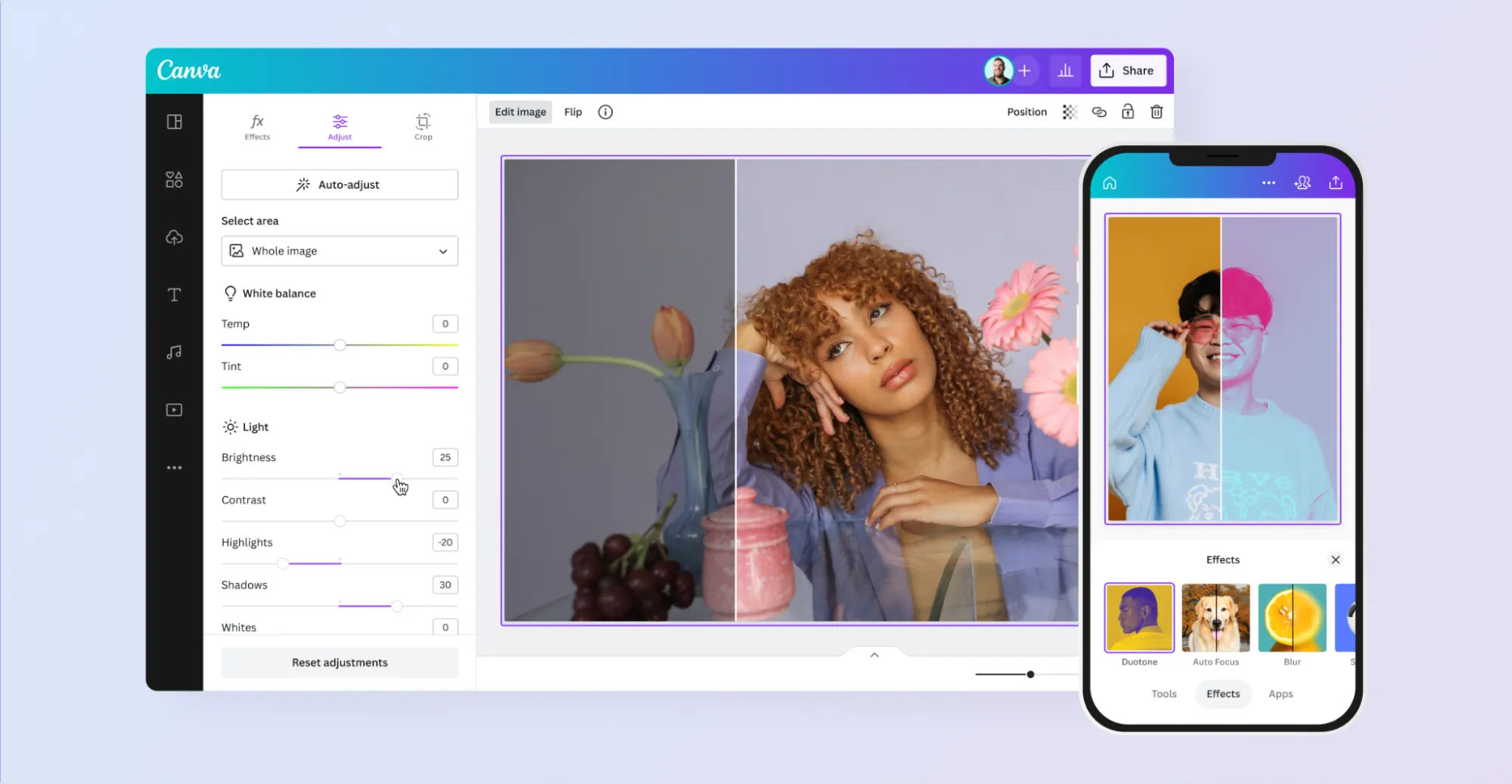
How Does It Work for Tech Professionals?
- Product Photography Enhancement: Remove the background of product images for e-commerce purposes; create lighting that is consistent across a number of product images; generate professional backgrounds based on brand aesthetics.
- Documentation Photography: Clean up screenshots by obscuring or removing sensitive information; enhance code snippets to make them more readable; create consistent visual styling for technical documentation.
- Team and Event Photography: Professional headshots used on company websites; remove distracting items in conference photos; create branded backgrounds for virtual meeting profiles.
Key Features of AI-Powered Photo Editor:
- Smart Object Removal: Intelligently removes unwanted elements while maintaining natural-looking backgrounds
- Contextual Background Generation: Creates backgrounds that match the lighting, perspective, and mood of the image given.
Hands-On Task for AI-Powered Photo Editor:
In this scenario, we’ll provide an image to the Magic Photo Editor and ask it to erase some text from the background of an image.
Output:
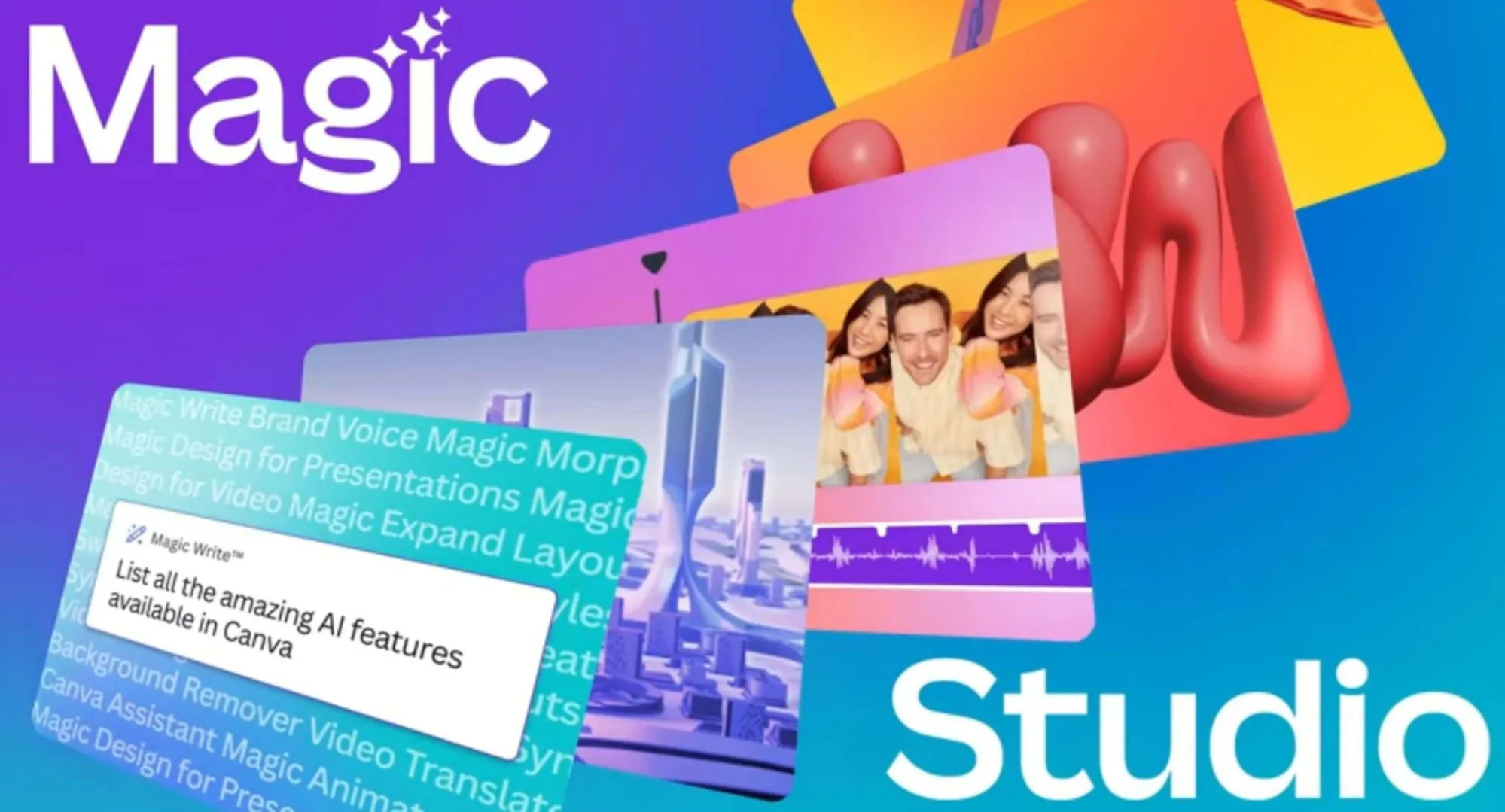
4. Magic Write & Magic Design (Auto‑Generate Copy & Layouts)
Technical communication has often been one of the biggest bottlenecks in project delivery. Magic Write applies and understands technical writing conventions. Hence the generation of content that speaks to and witheringly to the two sets of audiences, technical and non-technical.
How Does It Work for Tech Professionals?
- Technical Writing: Generate API documentation, read-me files, and user manuals, adhering to proper technical structure and clarity. The AI comprehends programming concepts and can articulate difficult technical processes into ordinary language.
- Marketing Content: Product-wise promote descriptions, feature announcements, and technical blog post writing fiercely for the target audience rather than tone down complex concepts.
- Magic Design Integration: Magic Design takes your generated content and creates automatic professional layouts. Give it a technical specification document, and it creates a presentable document that has proper formatting, great visual appeal, relevant headings, callouts, and supporting graphics.
Key Features of Magic Write and Magic Design:
- Tone Adaptation: Adjusts language style to the needs of various audiences (technical teams vs. executive leadership)
- Version Control: Tracks changes while maintaining consistency throughout different iterations of a document
- Multi-format Output: Generate the same content in summary reports, presentation slides, and emails.
Hands-On Tasks for Magic Write:
Prompt: “Generate API documentation for an internal authentication service that uses OAuth2. Include usage examples, endpoint descriptions, and error handling.”
Output:
Hands-On Tasks for Magic Design:
Prompt: “Create a visually engaging document using the content below. The audience includes both software engineers and business stakeholders. Use a clean, modern layout with clear headings, callout boxes for key features, and consistent formatting. Include relevant icons, diagrams where applicable, and use my brand color palette (blue, grey, white). Output format: PDF or slide deck.
Content:
Title: Internal Authentication API – OAuth2 Service
Overview:
Our internal OAuth2-based authentication service provides secure login capabilities for all internal microservices. The service supports token generation, token refresh, and user permissions validation.
Endpoints:
– POST /auth/token – Request an access token
– POST /auth/refresh – Refresh token
– GET /auth/validate – Validate current token
Key Features:
– Secure and scalable token-based auth
– Built-in support for microservice-level scopes
– Fast performance and low latency
Best Practices:
– Store tokens securely
– Use HTTPS for all API calls
– Rotate refresh tokens periodically
Contact: [email protected]”
Output:
5. Canva Sheets & Canva Code (AI Sheets + No‑Code Interactive Prototypes)
This is by far Canva’s boldest move in a domain traditionally occupied by specialized tools. Canva Sheets are built for the AI era. Assisted by AI features such as Magic Insights and Magic Formulas, what was earlier tedious and complicated is now effortless, intuitive, and even enjoyable.
Canva Sheets: Intelligent Data Analysis
Beyond the conventional spreadsheet’s limelight, Canva Sheets goes a step further to understand relationships in data and generate insights automatically. Create elegant data visualization, discover insights, and organize information in ways never envisaged for a spreadsheet before. Turn your data into interactive, dynamic visuals in a few clicks.

Key Features of Canva Sheets:
- Automated Data Analysis: Load raw data and get instant insights, trend analyses, and predictive modeling
- Visual Data Storytelling: Build compelling narratives based on spreadsheet data with charts, graphs, and infographics generated automatically
- Collaborative Analytics: Allow many team members to work together while the AI maintains the integrity of the data and suggests optimizations
Canva Code: No-Code Interactive Prototypes
This particular feature closes the gap between design and development, where tech professionals can now create working prototypes without any significant coding effort.

Key Features of Canva Code:
- Interactive Prototyping: Craft clickable prototype demonstrations that portray user flows and functionality.
- API Integration: Tie to live data sources and third-party services with no integration code.
- Responsive Design: Layouts will be generated on the fly depending on screen size and device type.
How Does It Work for Tech Professionals?
- Startup Validation: Create working prototypes to present to investors and conduct user testing without the time-consuming process of full development.
- Product Management: Create interactive mockups that stakeholders can use and interact with on their own so that they can give us much better feedback than they would with static wireframes.
- Client Meetings: Show software functionality with the help of interactive prototypes instead of just talking about it.
- Integration Workflow: The real strength of Canva Code shines when integrated with other features of the platform. Use Magic Write to generate content, Magic Media to create visuals, Canva Sheets to analyze performance data, and finally, prototype the entire experience.
Hands-On Task for Canva Sheets:
- Go to Canva.com
- Choose Magic Sheets from the options on the navigation bar.
- Upload your CSV from the uploads option.
- Select your dataset and choose the ‘Magic Insights’ option from the top menu.
- You can generate charts, find outliers in your data, and generate different types of insights according to your requirements.
Output:
Pricing of Canva AI
The initial offering of Canva is a free plan with the basic AI features and limited usage, so perfect for trying out the platform. Then you have Canva Pro for Rs. 500/month (Rs. 4000/year), where you can do unlimited AI content generation, Advanced Photo Editing, Brand Kits, and a whopping 1TB of storage-a good tool for the single tech professional.
Team Plan starts at Rs. 1200/month per user (minimum 3 users) and offers enhanced collaboration tools, brand management, and administrative controls. At the top end, Enterprise is offered on a custom basis, offering advanced security, SSO integration, and dedicated support.

For most tech professionals, the Pro plan is a steal and would replace several specialized tools, and those teams that need brand consistency and collaboration should be looking at the Teams plan.
Things to Keep in Mind
- Prompts That Work Well: A good prompt is crucial to having the best use of Canva AI. The system knows technical jargon and prefers specific, detailed requests over vague ones.
- Be Specific About Context: Instead of asking for “a presentation about our API,” try “Create a 10-slide technical presentation explaining our REST API authentication flow for new developers, including code examples and security considerations.” Such specificity in the language makes the AI understand what exactly is needed from it and come up with properly aligned content.
- Include Technical Requirements: When making technical diagrams, describe in detail what is required. Instead of “make a database diagram,” ask “Create a PostgreSQL database schema diagram showing user management tables with primary keys, foreign key relationships, and indexing strategies.” The AI can digest complicated technical jargon when put in its proper context.
- Specify Audience and Purpose: Who does the content benefit, and for what reason, should always be stated. Instead of asking for general documentation, try “Create end-user documentation for the file upload feature, targeted at non-technical users, with step-by-step screenshots.”
Comparison Summary
Here is a comparison of Canva AI with its competitors:
| Feature | Canva AI | Adobe Creative Suite | Figma | Notion |
| AI-Powered Content Generation | Comprehensive | Limited | None | Basic |
| No-Code Prototyping | Yes | No | Yes | No |
| Data Visualization | AI-Enhanced | Manual | Plugins | Basic |
| Technical Documentation | Automated | Manual | Limited | Strong |
| Collaboration Features | Excellent | Good | Excellent | Excellent |
| Learning Curve | Minimal | Steep | Moderate | Minimal |
| Pricing (Individual) | $12.99/month | $54.99/month | $12/month | $10/month |
| API Integration | Yes | Limited | Yes | Yes |
| Mobile Experience | Full-featured | Limited | Limited | Good |
| Enterprise Security | Available | Comprehensive | Available | Available |
My Review
Here is my final verdict on Canva AI:
- Canva AI versus Adobe Creative Suite: Adobe boasts higher-level professional-grade design tools but demands considerable investment in learning. In speed and accessibility, though, Canva AI is unparalleled, maintaining utmost professionalism in output.
- Canva AI versus Figma: Figma is a giant in UI/UX design workflows, whereas Canva AI covers a wider area in terms of content creation. Most teams use both tools for different purposes.

- Canva AI versus Notion: Notion tops for knowledge management and documentation structuring, whereas visuals take priority with Canva AI. So, from a technical perspective, these two work hand in hand.
- Canva AI: The major deviation is the integration of the AI-first approach. While other tools graft AI features onto existing interfaces, Canva AI is a conversational interaction and intelligent automation interface conceived and designed from the ground up.
Read more: 30 Exciting Canva AI Features
Conclusion
The landscape of creative tools is shifting at a great pace, and those who adapt early reap massive competitive advantages. Canva AI opens a whole new creative avenue: an avenue that makes a creative outlet available to all without compromising professional quality.
Those five features we looked at are only the tip of the iceberg in terms of how AI can interface with creative workflows.
As the platform grows, designers who are quick to embrace these tools are going to have a huge leg-up on those whose creative process does not employ them. The question is not, “Will AI change the way we create and communicate?” The question is, “Are you going to lead the change, or try to keep up with it?” For techies who are inclined to leverage these platforms, the future of creative communication is here.
Data Science Trainee at Analytics Vidhya
I am currently working as a Data Science Trainee at Analytics Vidhya, where I focus on building data-driven solutions and applying AI/ML techniques to solve real-world business problems. My work allows me to explore advanced analytics, machine learning, and AI applications that empower organizations to make smarter, evidence-based decisions.
With a strong foundation in computer science, software development, and data analytics, I am passionate about leveraging AI to create impactful, scalable solutions that bridge the gap between technology and business.
📩 You can also reach out to me at [email protected]





