More than anything else, AI tools today help bring human imagination to life. Be it in the form of an article, an image, or maybe a video. If you have the slightest hint of what you want, chances are, an AI tool out there will help you give it a meaningful shape. Following those steps, World Labs’ new AI model will help you create entire 3D worlds with a simple text or image prompt. Creating 3D worlds that seem much like magic, the new tool’s name is Marble, and it is all the rage on the internet right now.
World Labs, a spatial intelligence company, has officially launched the Marble model to the public. With the launch, they move beyond the model’s earlier research preview. Described as a “frontier multimodal world model,” Marble is designed to let both humans and AI agents generate, reconstruct, and simulate complete 3D worlds in one go. Needless to say, it is being touted as the next big leap in generative AI. Why? It goes beyond the usual text, image, and video generation and into the domain of spatial intelligence.
Here is a look at what it means for the world.
Table of contents
What is the Marble Worlds Model?
In simple terms, the Marble 3D worlds model is an AI that understands space, depth, and perspective well enough to create entire virtual environments from just a short text or image prompt. So instead of using AI to generate emails, images, or even videos, you can now use it to create entire 3D maps or worlds.
If you have ever played a computer game or seen a fictional movie, you know the kind of impact this will make to the world. Virtual environments are the cornerstone of any high-value production ever made. Avatar, The Lord of the Rings, or even the GTA franchise, none would have been any good if it weren’t for the immensely captivating world environment showcased within.
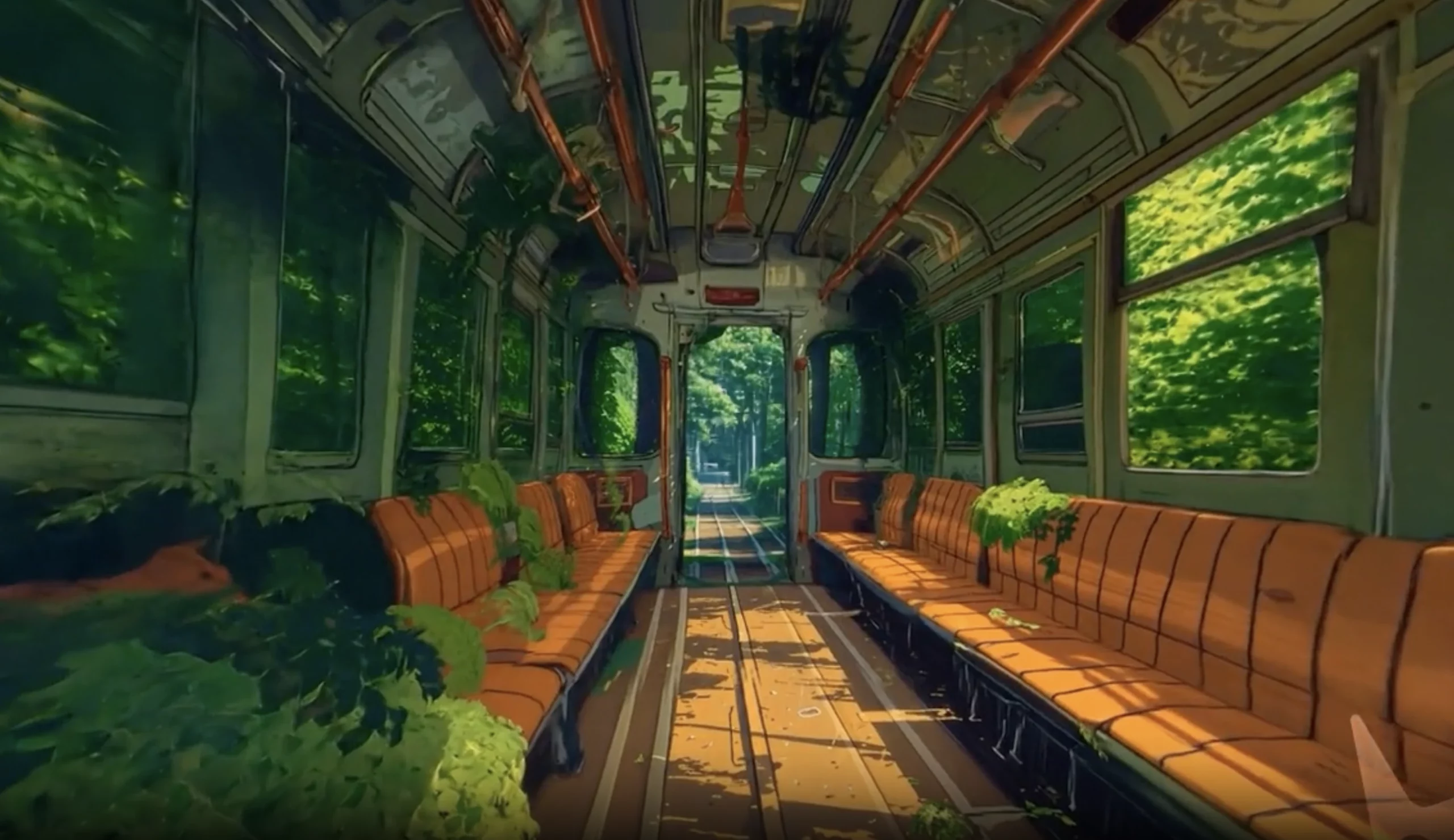
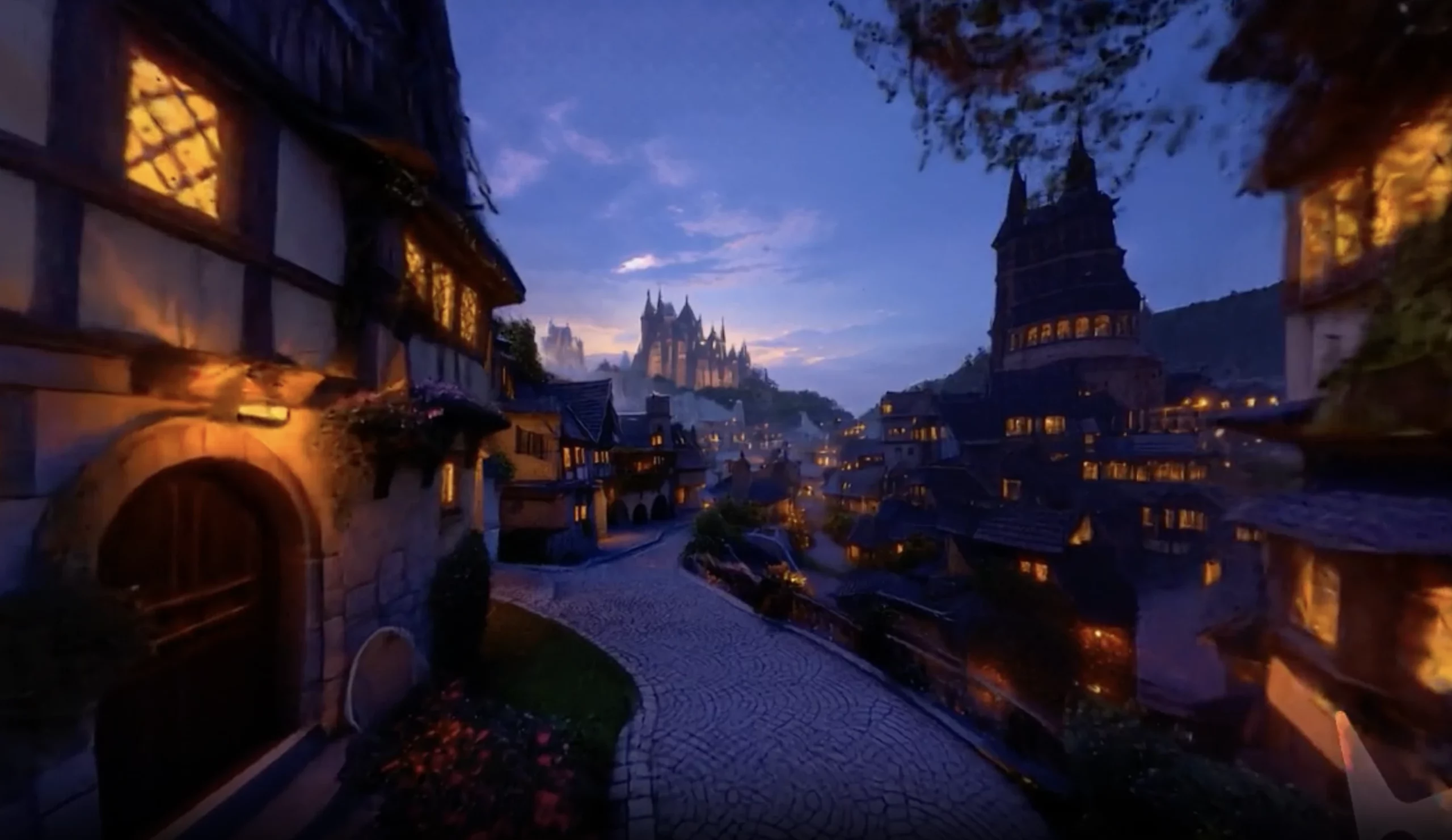
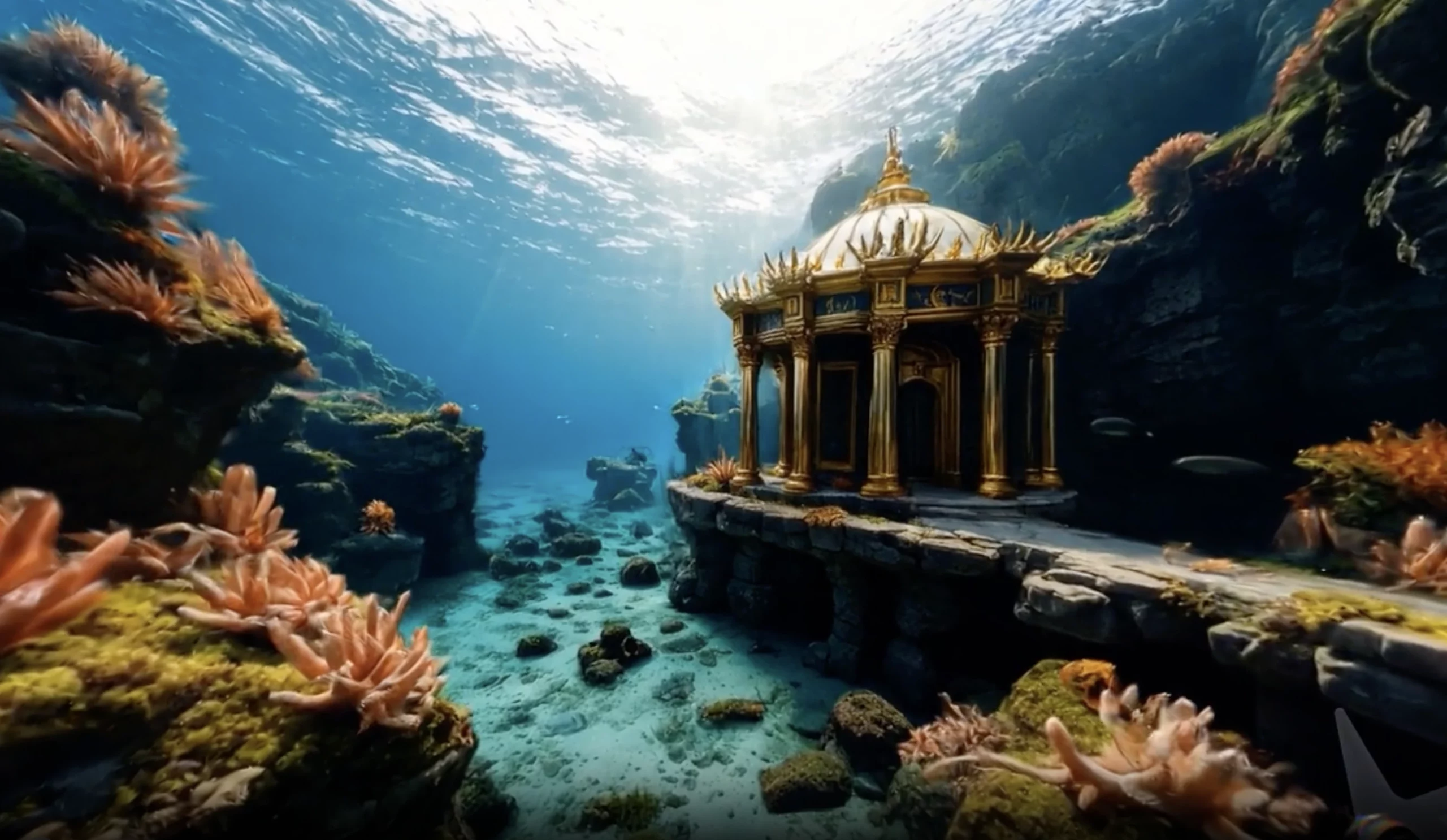
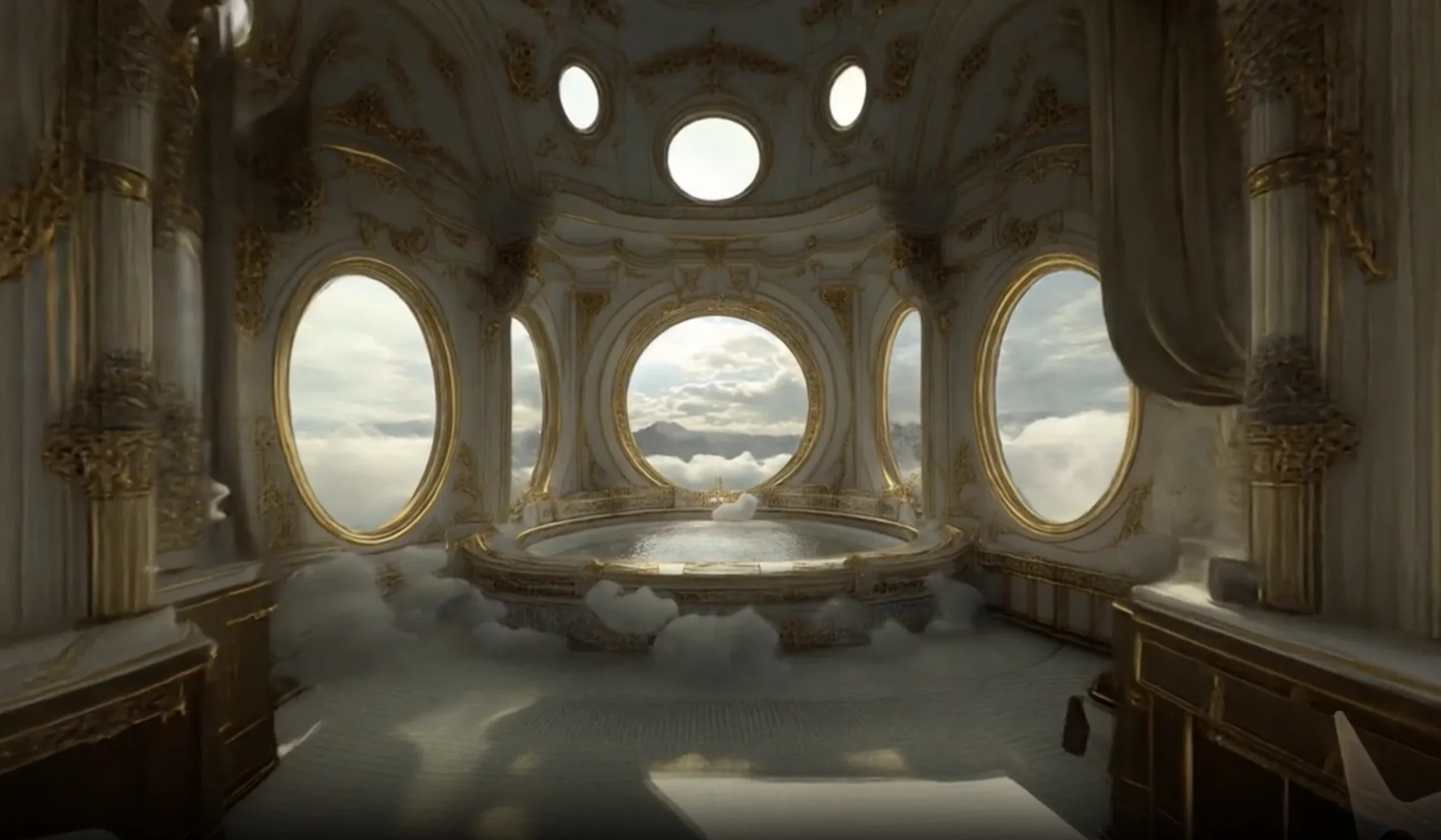
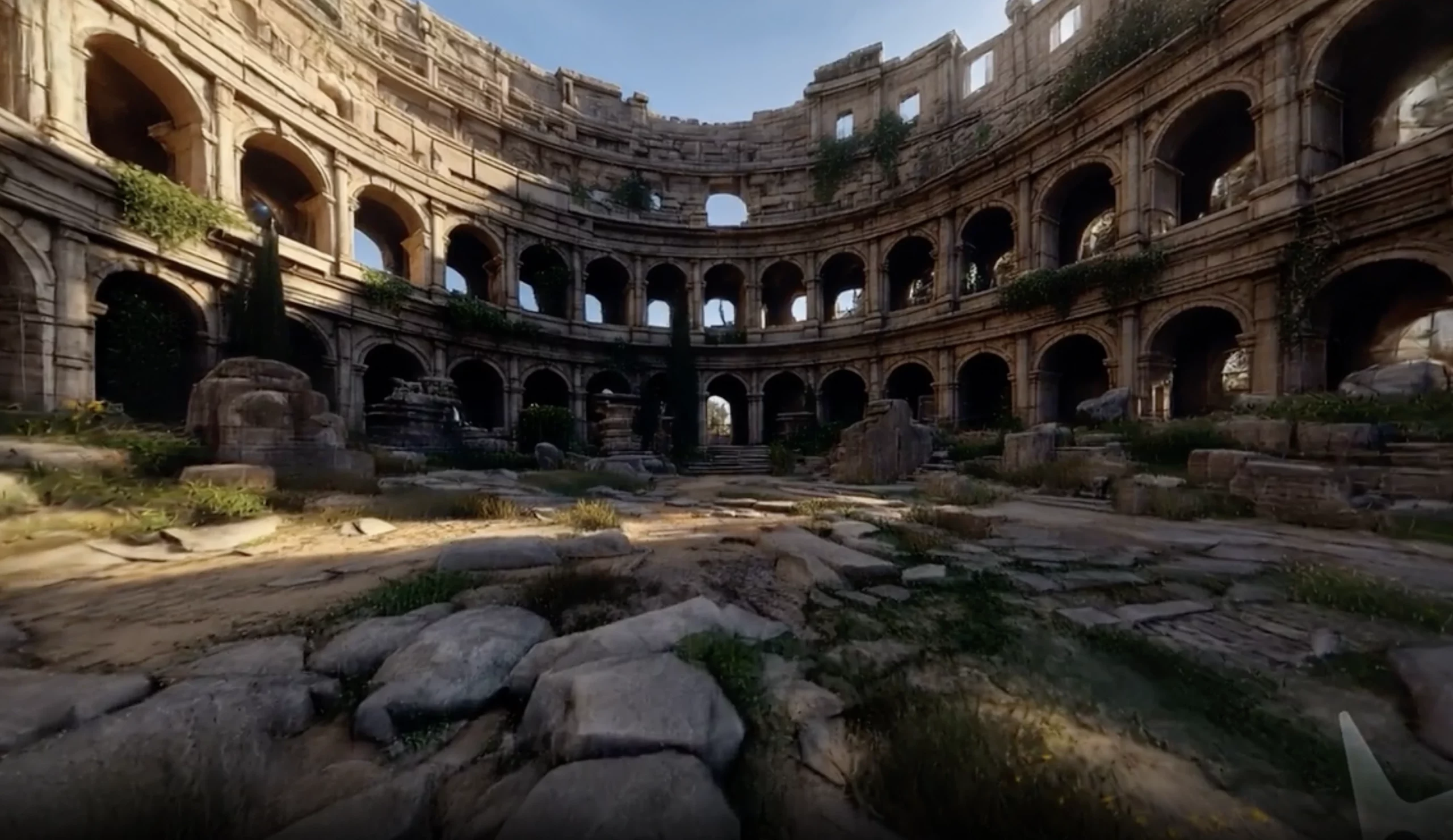
While it took hundreds, if not thousands, of graphic artists to make these environments, the Marble 3D worlds model will now enable that with a single text or an image prompt. This goes on to show the importance of this AI model and the impact it may have, now that it is out.
How does the Marble Worlds Model work?
At its core, Marble 3D worlds model is just like any other AI chatbot (ChatGPT, Gemini, etc.) you may have used. It takes simple human input in the form of text, image, or even a short video, and transforms it into a fully realised 3D world. The process combines multiple AI systems that understand visual cues, geometry, and spatial depth, effectively converting imagination into immersive digital space.
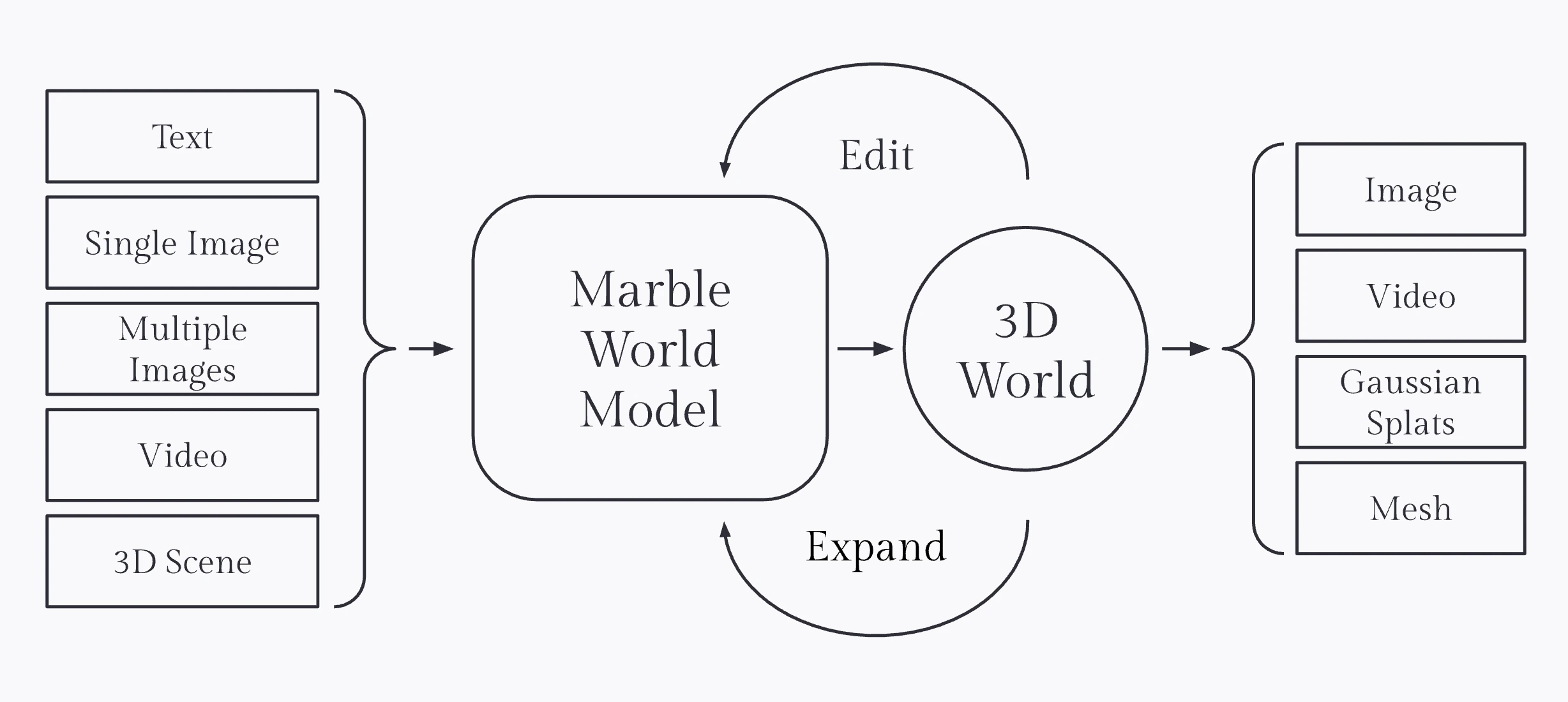
You can begin with a single text prompt, such as “a quiet medieval marketplace at dusk,” or upload a reference image to guide the model. In seconds, Marble interprets the scene, placing objects, lighting, and textures where they belong, all consistent with real-world physics and perspective.
For users seeking more control, Marble supports multi-image input, allowing several angles or concepts to be stitched together into one continuous world. The AI tool can even analyse short video clips to recreate spaces based on real footage. It thus bridges the gap between reality and generated environments.
What makes World Labs’ Marble stand out is its ability to understand structure and style separately. With its experimental Chisel mode, users can first block out the 3D layout using basic shapes, then use a prompt to apply creative details or visual style. This gives creators the freedom to design not just what the world looks like, but also how it feels.
Marble 3D Worlds Model Features
Here is a look at all the new capabilities that Marble brings with it for 3D worlds.
1. Multimodal Input to 3D Worlds
This is the USP of the new AI model by World Labs. Marble lets you create detailed 3D environments from a simple text prompt or a reference image. Whether it’s a futuristic cityscape or a cozy cabin in the woods, if you can imagine it, Marble can create it. As mentioned above, the model understands spatial composition, lighting, and materials well enough to build such virtual worlds almost instantly.
What’s more, you can even combine text and image inputs for the best results. This way, you can provide Marble with both context and creative direction. It shall ensure results that are visually rich and structurally coherent.
2. Multi-Image and Video Generation
For even more realism, World Labs has equipped Marble with support for multi-image prompts and short videos. This means you can feed it photos from multiple angles, and the AI model quickly stitches them into a unified 3D world. This feature makes it ideal for reconstructing real locations or extending existing creative assets into immersive 3D scenes.
3. World Editing and Iteration
What if you need changes in what you have generated? Marble allows in-scene editing too, meaning you can tweak lighting, remove or replace objects, or change the overall mood without rebuilding the entire environment. It supports both local adjustments and large-scale structural edits. Experiment all you want, until the result perfectly fits your vision.
4. Chisel Mode: Sculpting Worlds in 3D
One of Marble’s most powerful tools, Chisel, separates structure from style. You begin by laying out basic geometric shapes for walls, floors, or terrain – to define your world’s skeleton. Then, a simple text prompt transforms that framework into a detailed 3D scene. This dual-stage process is meant to give unprecedented control to the creators. It is sort of like creating the blueprint or a script for human direction and then enforcing it with AI imagination.
5. Expand and Compose Larger Worlds
Marble isn’t limited to small scenes. Using its Expand feature, you can select a portion of your world and let the AI continue building outward. There is even a Compose option that allows merging multiple generated worlds to make a single, bigger one. These features enable large, cohesive environments that are interconnected. In practice, you can use 2 opposing images to create a single world, with each half based on the images.
6. High-Fidelity Export Options
Once your world is ready, Marble offers export options for real-world use. You can export scenes as Gaussian splats for browser-based rendering or as triangle meshes compatible with game engines and design tools. Each export includes both visual and physics-ready colliders. With this, developers, designers, and researchers can all use the 3D worlds outputs by Marble in their preferred format.
7. Video Rendering and Camera Control
Interestingly, Marble can also generate cinematic videos directly from its 3D worlds. For this, users can set camera paths, adjust angles, and render clips with pixel-level precision. The system enhances lighting and motion automatically. You can produce shareable, high-quality videos suitable for creative showcases, marketing, or pre-visualisation.
8. Creative Hub: Marble Labs
In addition to all the features above, World Labs has also launched Marble Labs. This is a collaborative space where artists, engineers, and designers share workflows and experiment with world models. As per the announcement by the company around the update, the new hub features tutorials, demos, and documentation. The collective features are meant to help professionals across gaming, architecture, VFX, and robotics for 3D generative AI.
How to Access Marble
To start creating your own 3D worlds with Marble, you can simply visit the official Marble website by clicking here. Once there, you can enter your prompt within the chat window or upload a reference image that you wish to be elaborated into a whole new world.
You can also check out. Various 3D environments made by other users within the Explore option, or check out the reference images for different worlds within the Presets option.
A beta mode will even let you upload 3D models as a reference for your world. Other than that, you have a couple of formatting options available within the chat window, where you can choose to create your 3D world in a standard or a draft format, and whether to make it public or not upon generation.
In case you do not have a specific idea in mind and just need to test the tool for its capabilities, there is a ‘Roll for marbles’ option that will give you a random prompt to generate a random 3D world.
Marble: In Use
Here, I share some real-world examples of how Marble enables the creation of 3D worlds using multimodal inputs.
1. Using Text Prompt
The simplest way to use Marble – just like a chatbot, you can enter a text prompt i.e., a simple sentence or sentences describing the environment you wish to be created. Marble has been trained to use this text to generate entire 3D worlds that seem like a work of a graphic design team. Have a look at the video below to see how text prompts work in Marble.
2. Using Image Input
In case you wish to have a virtual environment based on a reference image, Marble allows you to upload an image and create an entire 3D world based on it. Here is a video by the company showcasing that capability.
3. Using Multiple Images
What’s better than a reference image to create an environment? Multiple images for reference. With Marble, it is possible to upload multiple images at once and create a cohesive 3D world that is based on the different looks at different locations.
You can check out Marble’s amazing ability to stitch together different locations and image references in the video below.
Note: The videos have been taken from here.
Conclusion
With this general release, World Labs has opened the doors to a new kind of creative process. This is where developers, artists, designers, and even storytellers can build interactive 3D worlds without any 3D modelling expertise. This feels like a very natural extension to the existing capabilities of AI as we know it. After all, what comes after full-fledged cinematic videos being made with a simple instruction? A whole new world bringing its own stories, imagination, and possibilities with it.







