
For the longest time, the default response to any serious AI work was “just use ChatGPT” or “go with Claude.” Closed-source giants had the edge in coding, reasoning, writing, and multimodal tasks, due to being early adopters of the technology and having sufficient data at their disposal. But that’s changed. Free open-source AI models have caught up and sometimes even surpassed in real-world performance, flexibility, and cost.
This isn’t a blog post hyping free AI models or a paid promotion for freeware. This is about highlighting where you can swap out those high-priced closed models with free or cheaper alternatives, often without losing quality.
Table of contents
Metric for Choosing Models
We’ve classified open-source alternatives to models based on their use case. Let’s break it down by use case.
1. Coding
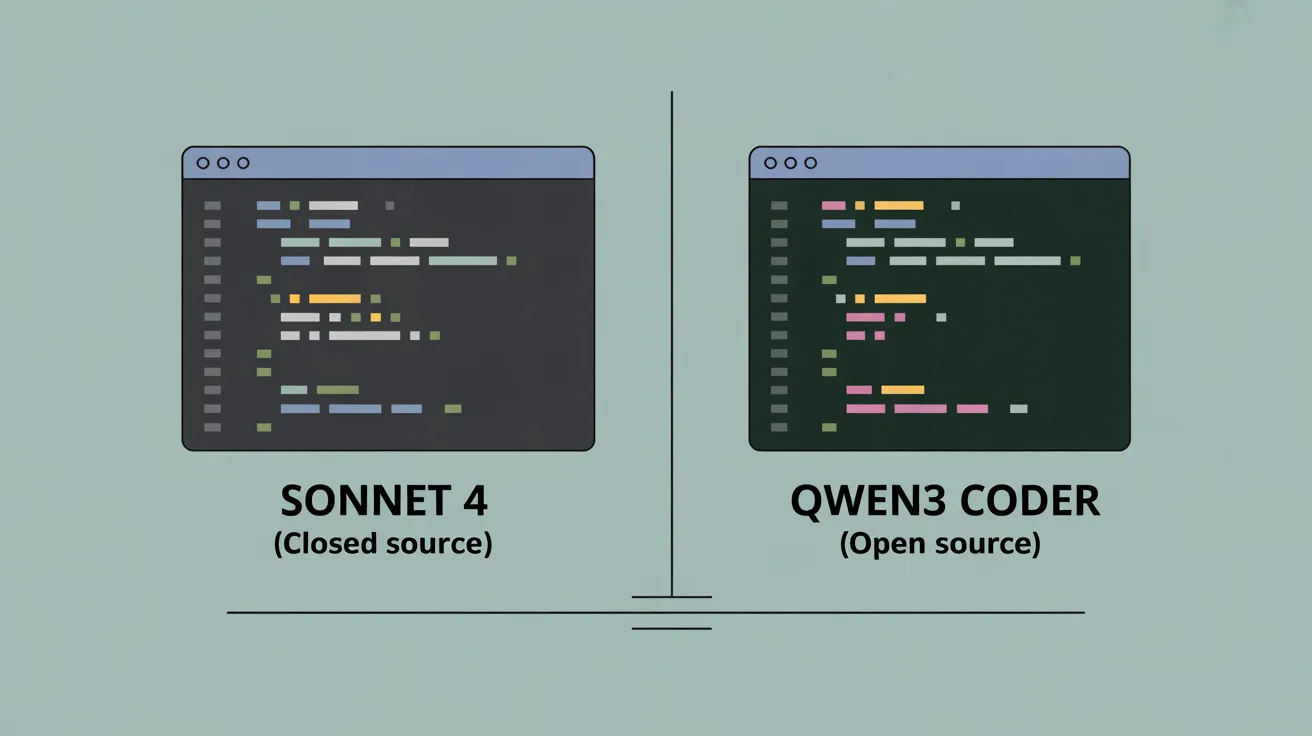
Old Default: Claude Sonnet 4
New Alternative: Qwen3-Coder
Qwen3-Coder has quietly become one of the most reliable coding assistants out there. Developed by Alibaba, it’s optimized for multiple programming languages, understands nuanced instructions, and works well on long-form problems too.
Key Feature:
Where it beats closed models is in memory and context handling. It can juggle multiple-file prompts better than most commercial models in its weight class. And the best part? You can self-host it or run it locally (Given your hardware satisfies the requirements).
2. Writing
Old Default: GPT-4.5
New Alternative: Kimi K2
Kimi K2 is coming out of Moonshot AI and has one job: generate great content fast. It’s built on a modified Mixture of Experts (MoE) architecture, which makes it surprisingly efficient without dumbing down the results.
Key Feature:
It handles tone, structure, and coherence with ease. It produces text that is a lot more humane than the popular models, which just regurgitate a ton of information. If you’re writing blog posts, emails, or long-form content, you’ll barely miss GPT-4.5—except when you see your bill. The model is especially adept at:
- Instruction following
- Controlling tone
- Sticking to context across long documents
But it might fall short if the nature of your workload is:
- Complex factual reasoning
- Math-heavy writing

3. Reasoning
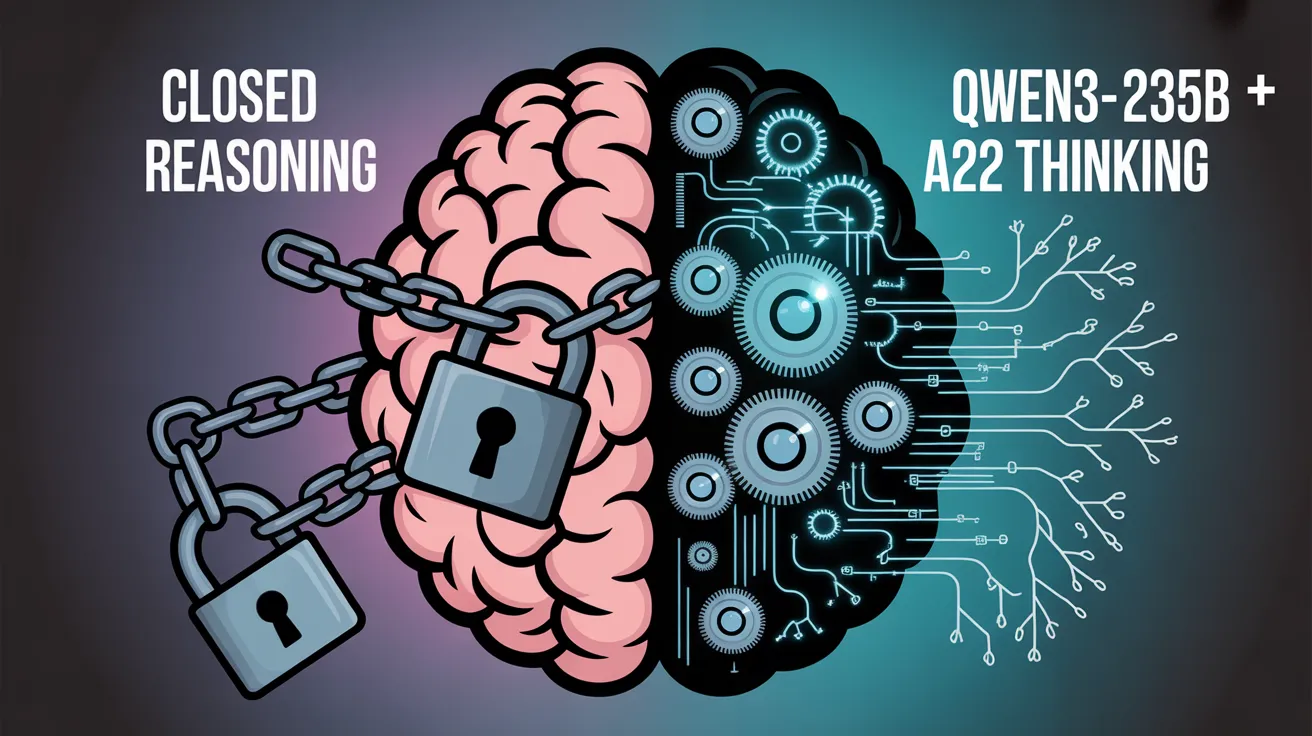
Old Default: OpenAI o3
New Alternative: Qwen3-235B – A22B Thinking
This is where things get interesting. OpenAI’s internal models like o3 have a reputation for reasoning-heavy tasks—whether it’s planning, advanced problem solving, or logical deduction. But Qwen3-235B paired with a lightweight planning layer like A22B Thinking offers comparable, if not better, results on some benchmarks. What matters more is that it’s replicable and tunable. You can open up the internals, fine-tune the behavior, and optimize for your workflows. No API rate limits, no vendor lock-in.
Key Features:
Some of the key features of Qwen3-235B when paired with A22B Thinking include:
- Multi-hop reasoning
- Agent-based tasks
- Planning across long time horizons
4. Multimodal (Image + Text)
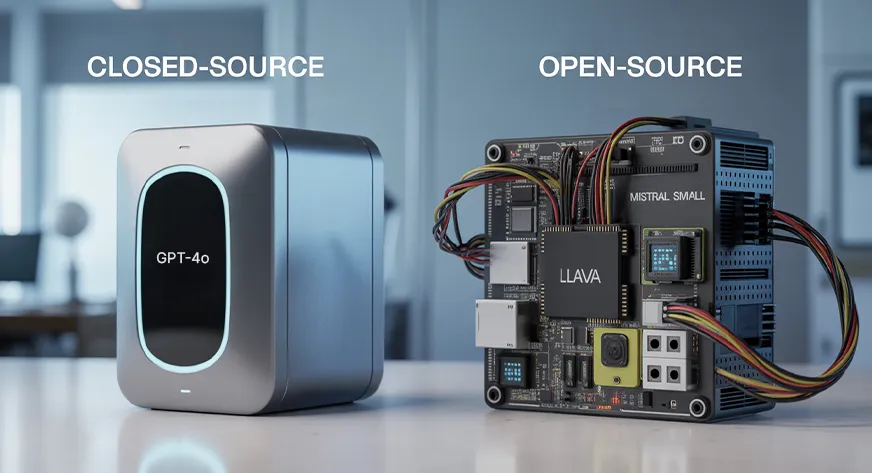
Old Default: GPT-4o
New Alternative: Mistral Small 3
Mistral Small 3 isn’t a multimodal model out of the box. But when you pair it with plug-and-play vision modules like Llava or OpenVINO-compatible vision encoders, you get a functional stack for handling image + text workflows. Sure, GPT-4o can instantly caption images and read graphs out of the box, but with the right pipeline, Mistral-based stacks aren’t that far behind, and they’re promising far more customizability.
Key Features
When plugged into a pipeline setup, the model exhibits:
- Image captioning
- Visual question answering
- Document OCR + summarization
5. Mobile
Old Default: None
New Alternative: Gemma 3n 4B
Here’s where open source has a clear lead! Closed models rarely offer optimized mobile solutions. Gemma 3n 4B, from Google’s open model family, is designed for efficient edge deployment and mobile inference.
It’s quantized and ready for on-device use, making it ideal for real-time personal assistants, offline reasoning, or lightweight copilots. Whether it’s running on a Pixel, a Jetson Nano, or even a Raspberry Pi (with enough patience), it’s your best bet.
Where to use this:
- Personal agents
- Offline Q&A
- AR/VR companions

The Bigger Picture
Open source models have become practical choices for real workloads. Unlike closed models, they give you control over privacy, cost, customization, and architecture.
Why this shift matters:
- Freedom to modify: Fine-tune and optimize to fit your workflow
- Lower cost at scale: Avoid pay-per-token traps
- Community-driven evolution: Open models improve fast with public feedback
- Auditability: Know what your model is doing and why
What still needs work:
- Plug-and-play UX is still behind closed models
- You need some infrastructure experience to deploy at scale
- Context limits can be tricky for some open models
Final Word
The list above will age quickly. New checkpoints drop every month, and each brings better data, better licenses, and smaller hardware needs. The important shift is already here: closed AI no longer has an edge, and open source is no longer a compromise. It is simply the next default. The days of staying limited to what’s on offer are long gone, and people are slowly gravitating to models that allow flexibility and are adaptable to the requirements of the user.
Frequently Asked Questions
Q1. Can free AI models match GPT-4-level performance?
A. Yes, in many tasks like coding, writing, and reasoning, top open models now offer comparable quality, especially when paired with good infrastructure.
Q2. Are open-source AI models free to use commercially?
A. Most are, but check licenses. Models like Mistral and Qwen use Apache or similar permissive permits, but some may restrict fine-tuning or redistribution.
Q3. What are the downsides of switching to open models?
A. You’ll need more setup time, GPU access, and basic MLOps knowledge. Also, some UX features from closed models are still unmatched.
Q4. Can I use these open models offline or on-device?
A. Yes. Models like Gemma 3n and Qwen1.5 7B can run locally, even on laptops or edge devices with proper quantization.
Q5. How often do open models get updated?
A. Faster than you’d expect. Open models evolve rapidly with community feedback—new checkpoints, fine-tunes, and tools appear almost weekly.
I specialize in reviewing and refining AI-driven research, technical documentation, and content related to emerging AI technologies. My experience spans AI model training, data analysis, and information retrieval, allowing me to craft content that is both technically accurate and accessible.







