Let me be brutally honest and say it – if you do not use AI today, you have already lost. And I don’t base this fact on a generic assumption. I can challenge you myself, no matter who or where you are. I can go through monumental heaps of data, find information you will spend hours (or maybe days) looking for, and produce an output of an entire team, all in minutes. How? I have an actual “team” working for me. And that team is a cluster of top AI tools that hypercharge my productivity at work. ChatGPT, Claude, n8n, and Gemini are just some of these.
And please do not tell me that you “don’t need” AI, given the nature of your work. You don’t need it right now. But once a person like me starts working next to you with his/ her army of AI tools, you will be obsolete faster than you can say “Fired.” The mass layoffs in the tens of thousands across companies are not just a seasonal thing. These are carefully thought-out business decisions supporting the inevitable transition to AI. And if you are not on board, you will be off it soon.
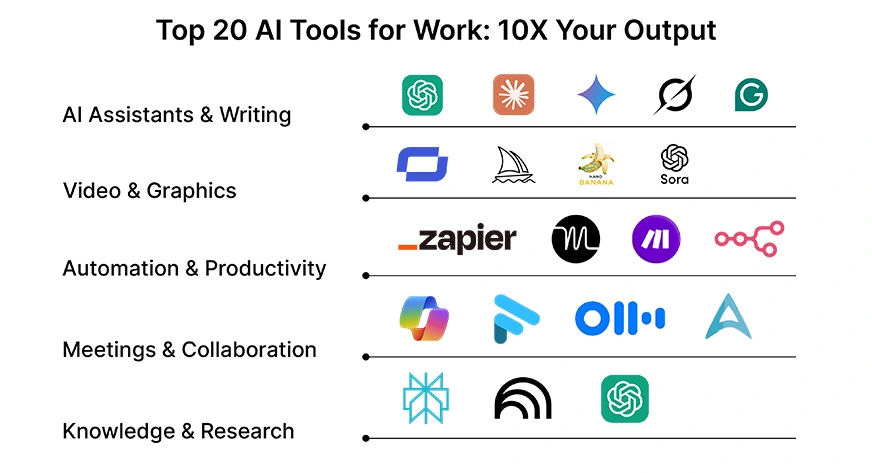
So, if this mission-critical use of AI tools in your everyday work is clear to you, here is a list of the top 20 AI tools you can use across purposes and heighten your productivity like never before.
But first, let us just explore what AI tools really are and why they matter.
Table of contents
What are Generative AI Tools
For a literal definition, know that AI tools are software applications that use artificial intelligence to understand, create, or automate tasks at work. Mark an important distinction here – unlike old-school software that just follows pre-set rules, AI tools adapt to your requirements, learn from them, and often surprise you with outputs you didn’t explicitly program or even think of. They act much like collaborators who understand context, anticipate needs, and keep improving with use.
Broadly, AI tools fall into a few buckets:
- Assistants that draft or refine content
- Systems that automate routine workflows
- Creative engines that generate entirely new text, images, or even video.
Each type plays a role in cutting down the grunt work and giving you leverage where it matters most.
For individuals, the impact is a sharper focus and less time spent on repetitive and monotonous tasks. For teams, it’s smoother collaboration and better alignment. And for leaders, it’s faster access to insights, so decisions happen with less noise and more clarity. The real win? AI tools fight off the constant flood of information and hand you back the most precious currency of all: time at work.
With that, let’s explore the best AI tools available to 10X your productivity at work.
Also read:
- Top 10 Must-Use AI Tools for Data Analysis [2025 Edition]
- Top AI Tools For Content Creators in 2025
- 12 AI Tools Everyone is Using in 2025
AI Assistants & Writing
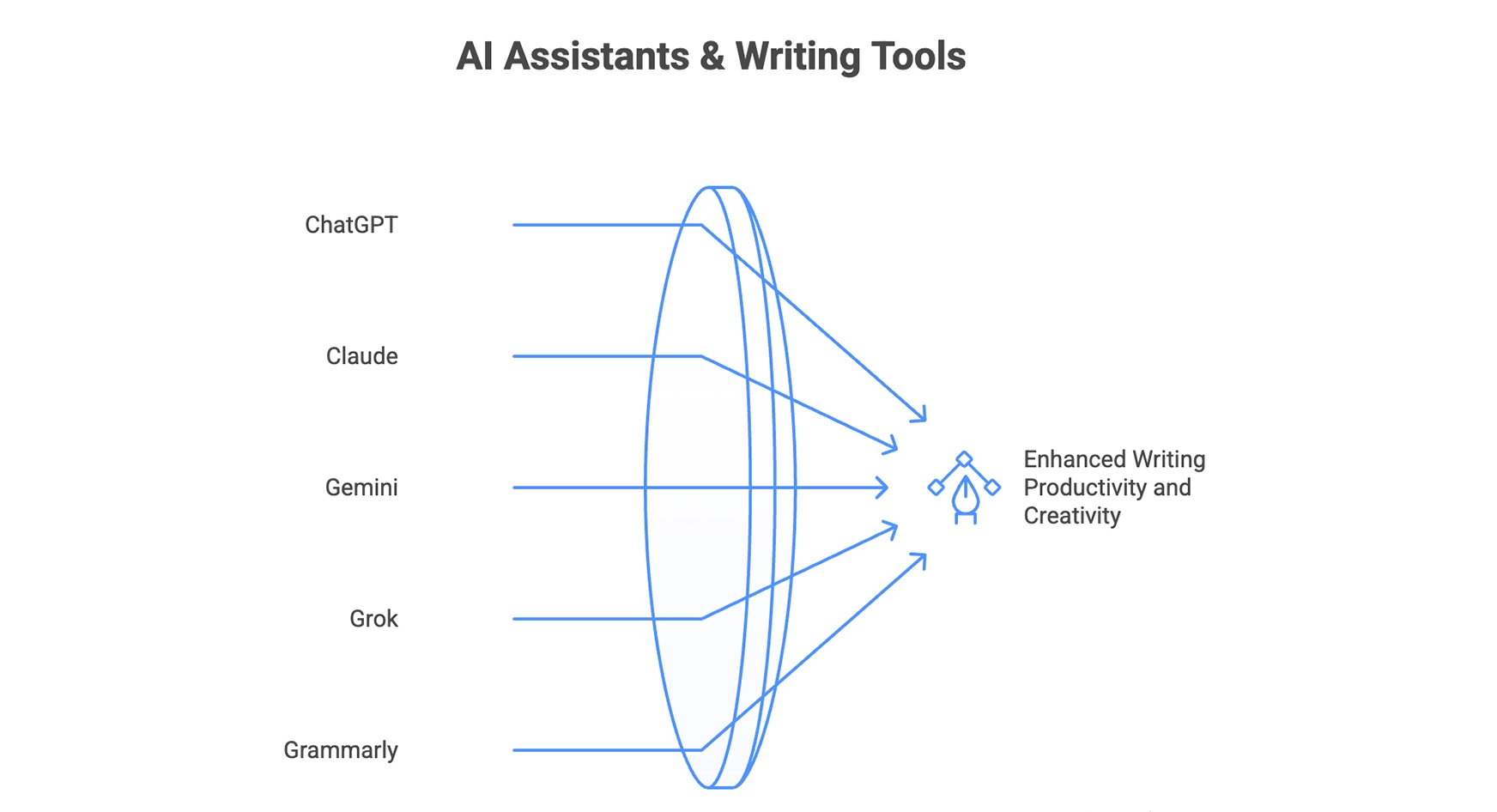
These are chatbots or generic AI assistants that help you across tasks, especially with direct QnA queries, specific instructions, and written content creation.
ChatGPT (Author’s Recommendation)
My personal favourite, hands-down. ChatGPT is my go-to AI tool for just about any task at hand (all about it here). Partly because the AI tool came in much before anything else in the market, and to date, retains that lead with updates over the years. I have personally seen ChatGPT go from a novelty to a daily driver for millions.
It is not just about answering questions anymore. It is the go-to tool for millions for drafting emails, writing blog posts, generating code, and even helping with brainstorming sessions. What makes it powerful is the speed and accuracy, giving a structured, coherent response in seconds to any possible query.
For productivity, ChatGPT is a Swiss Army knife. Instead of jumping between apps for summaries, explanations, or creative drafts, you can centralise the task here. Then there are functions added over the years, like Research, GPTs, and even Agentic Mode. Learn these, and you are sure to ace whatever field you are in.
Key Features: Fast, versatile, summarisation, coding help, creativity boost
Pricing: Free + Premium
Access: You can access it here
Claude
Claude is Anthropic’s answer to ChatGPT, and it has a different flavour. Where ChatGPT can feel like a sharp assistant, Claude feels more like a thoughtful colleague. It’s built with “constitutional AI,” which means it tries to be transparent and safe in how it answers.
It shines in long-form text: policy drafts, technical documentation, or detailed strategy notes. Many users also appreciate how Claude handles nuance and context over very large documents, something that gives it an edge in research-heavy work.
Key Features: Long-form, safe, nuanced, context-aware
Pricing: Free + Premium
Access: You can access it here
Gemini (Google)
Google’s Gemini (formerly Bard) is tightly integrated with the Google ecosystem — which means you can pull data from Gmail, Docs, or Drive straight into your AI workflow. For anyone already living in Google Workspace, this is a natural extension of your productivity stack.
Its real value is context. Instead of asking you to copy-paste info into a chat, Gemini can look into your files, calendars, or emails (with permission) and give answers in real time. That makes it less of a chatbot, more of a “Google inside Google.”
Key Features: Workspace integration, real-time context, multi-modal
Pricing: Free + Premium
Access: You can access it here
Grok
Built by xAI (Elon Musk’s company), Grok has a bold positioning. It doesn’t just answer, it jokes, teases, and provokes, mimicking just about every aspect of a human being. Think of it as the rebellious cousin of ChatGPT. While other assistants play it safe, Grok tries to keep things edgy and entertaining.
Grok is inspired by “the Hitchhiker’s Guide to the Galaxy and JARVIS from Iron Man” (its words, not mine!). So, expect a bit of cosmic absurdity and help without any ego. From a productivity perspective, it works best for quick ideation, generating witty copy, or sparking creativity when you feel stuck. It’s not always as precise as Claude or Gemini, but its tone makes it unique. For social media or marketing use cases, that’s a win.
Key Features: Witty, edgy, creative, engaging
Pricing: Free + Premium
Access: You can access Grok here
Grammarly
Grammarly has quietly evolved from a grammar checker into a full-blown writing assistant with AI. Beyond catching typos, it now helps you rewrite, shorten, or expand text, and even adjust tone. For workplace writing, that’s gold.
Its strength is invisibility: Grammarly sits inside your browser, email, and docs. You don’t “switch” to Grammarly; it’s just there, nudging your writing to be sharper and more professional without breaking flow. That seamlessness makes it one of the most underrated productivity tools today.
Another thing I love about it – Grammarly Insights. Every week, Grammarly sends you an overview of what you’ve written so far and all the details around it. These insights are super helpful for anyone wanting to elevate their writing game.
Note that Grammarly is not an AI assistant and doesn’t answer queries for you. It can simply help you with your writing by sharing ideas and crafting words wherever you are struck.
Key Features: Tone control, rewrite, grammar, inline suggestions
Pricing: Free + Premium
Access: You can access Grammarly here
Video & Graphics
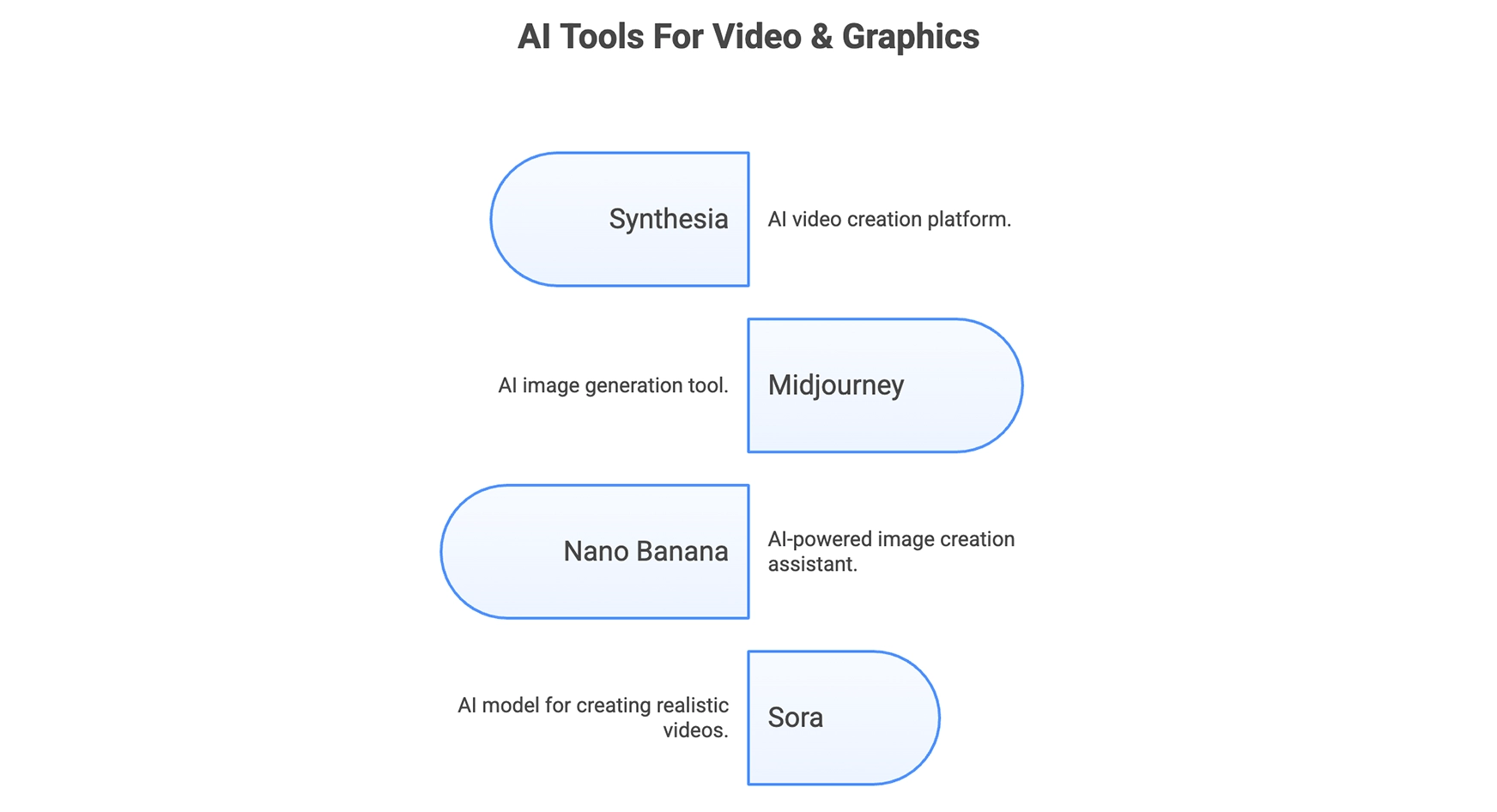
Here are some AI tools that will help you produce just the perfect footage or visuals for all your graphic and video requirements.
Midjourney
Midjourney is the poster child of AI art. It took the world by storm at the time of its launch, showcasing a surreal ability to create stunningly realistic AI videos. Widely considered the top AI tool for video generation, it takes a simple text prompt and transforms it into visuals that look like they belong in a design magazine. For creators, marketers, or anyone needing standout graphics, Midjourney is a goldmine.
Its real strength lies in versatility. You can generate ultra-realistic portraits, abstract art, cinematic stills, or even mock-ups for branding ideas. The catch? It runs through Discord, which can feel clunky at first. But once you get the hang of it, Midjourney quickly becomes your favourite design partner on call.
Key Features: Photorealism, abstract art, cinematic, brand-ready
Pricing: Only Premium
Access: You can access Midjourney here
Nano Banana
Nano Banana is a rising star among AI tools used at work, especially for AI image generation. While Midjourney is known for high-end visuals, Nano Banana makes the process playful and approachable. Upload a photo, add a fun or descriptive prompt, and suddenly you have multiple reimagined versions of yourself. Futuristic, artistic, or even anime-style, its ability is only limited by your imagination.
The appeal here is experimentation (try these 15 prompts on Nano Banana). It’s less about polished outputs for ad campaigns and more about unleashing imagination. For learners or teams just dipping their toes into AI visuals, Nano Banana strikes the right balance between power and accessibility.
Check out how to make 3D figurines on Nano Banana using your selfie here.
Key Features: Easy-to-use, playful, photo remix, creative prompts
Pricing: Free + Premium
Access: You can access Nano Banana on Gemini 2.5 Flash. Simply click on ‘Create Images’ option under Tools in the chat window and enter your prompt.
Sora
OpenAI has just announced Sora 2, and nothing portrays it as brilliantly as my colleague Nitika does in her article, calling it the “Hollywood in your pocket.” While it remains limited to the users in the US for now, its first version, ‘Sora’, is equally capable for video generation. Instead of painstakingly editing clips, you can describe a scene in text and watch Sora bring it to life as a short video. Think of it as Midjourney, but moving.
Sora has already proven its mettle with breathtaking outputs over time. From cinematic sequences to educational explainers. For businesses, it hints at a future where ad spots, product demos, and training content can be spun up in minutes, not weeks.
Key Features: Text-to-video, cinematic, future-ready, dynamic
Pricing: Only Premium
Access: You can access Sora here
Synthesia
Among the giants of the industry, Synthesia has become the go-to AI tool for AI video creation at work. It lets you generate professional-looking videos with AI avatars and voiceovers, all without cameras, actors, or studios. For training, onboarding, or marketing explainers, it’s a huge time and cost saver.
Its power lies in localisation and scale. Need a video in 20 languages? Synthesia can do it without hiring translators or voice actors. That kind of flexibility makes it invaluable for global teams and content-heavy organisations.
Key Features: AI avatars, voiceovers, multilingual, scalable video
Pricing: Free + Premium
Access: You can access Synthesia here
Automation & Productivity
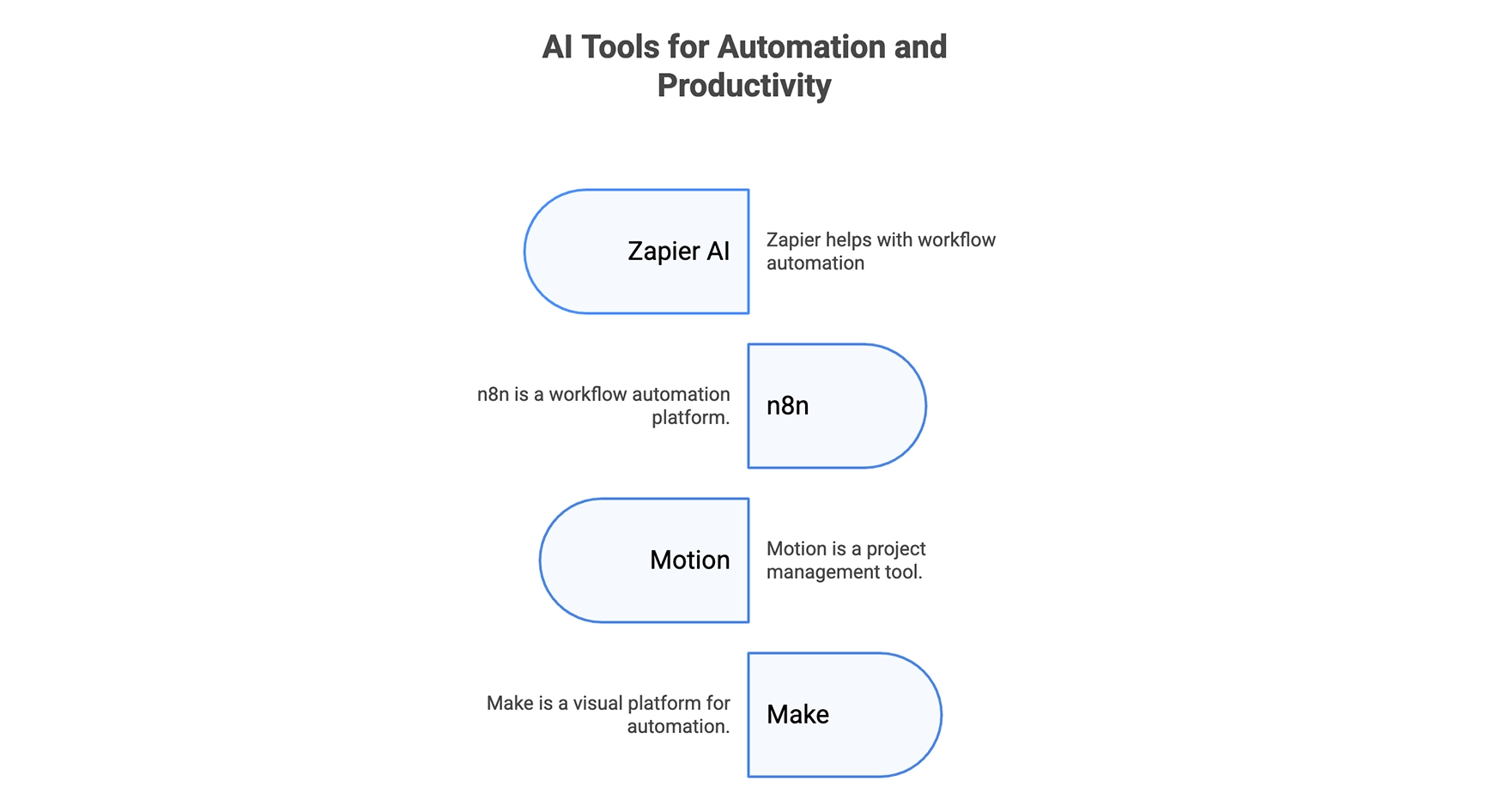
These AI tools are especially useful with office work, as they help automate entire workflows and increase productivity multifold.
Zapier AI
This segment in particular is a goldmine for workplaces across the globe. Zapier has long been the backbone of this segment, letting you connect apps and pass data between them without writing code. With AI layered on top, it’s no longer just about triggers and actions; Zapier can now decide what to do based on the context of your request.
For example, instead of creating rigid rules like “send this email when X happens,” you can tell Zapier in plain English what outcome you want. The AI figures out the best workflow and adapts when conditions change. It turns automation from a set of instructions into a system that thinks for you.
Key Features: Context-aware, no-code, adaptive, multi-app
Pricing: Free + Premium
Access: You can access Zapier AI here
n8n
n8n (complete guide here) is often called the “open-source Zapier,” but it brings its own strengths to the table. It’s highly flexible, supports custom logic, and gives you far more control if you’re comfortable tinkering with workflows. With AI integrations, n8n can make decisions on data, summarise inputs, or even generate outputs directly inside your workflows.
It’s not as polished as Zapier for absolute beginners, but for developers, startups, or anyone who likes control, n8n is a powerhouse. The open-source nature also means you can self-host, making it a solid choice for teams conscious about data privacy.
Key Features: Open-source, flexible, self-hostable, developer-friendly
Pricing: Free + Premium
Access: You can access n8n here
Motion
Motion takes the headache of planning your day and hands it to AI. Instead of juggling calendars, task lists, and deadlines, you simply feed Motion your tasks, and it auto-schedules them into your calendar with priorities in mind.
The magic lies in its adaptability. If a meeting pops up or a deadline shifts, Motion reshuffles everything instantly. For busy professionals, it’s like having a personal chief of staff who knows exactly what to prioritise at every moment. This makes Motion one of the best AI tools available for work today.
Key Features: Auto-scheduling, adaptive, calendar integration, prioritisation
Access: You can access Motion here
Make
Formerly known as Integromat, Make is a visual automation platform that lets you design workflows like building blocks. The addition of AI makes it even more powerful. Not only can it move data across apps, but it can also transform that data intelligently along the way.
Think of Make as a sandbox for creative automation: you can design complex flows visually, add AI for interpretation, and run them at scale. It’s ideal for power users who want both flexibility and depth.
Key Features: Visual workflows, scalable, data transformation, creative automation
Pricing: Free + Premium
Access: You can access Make here
Meetings & Collaboration
These AI tools are highly useful in coordinating team actions and meetings in an office space.
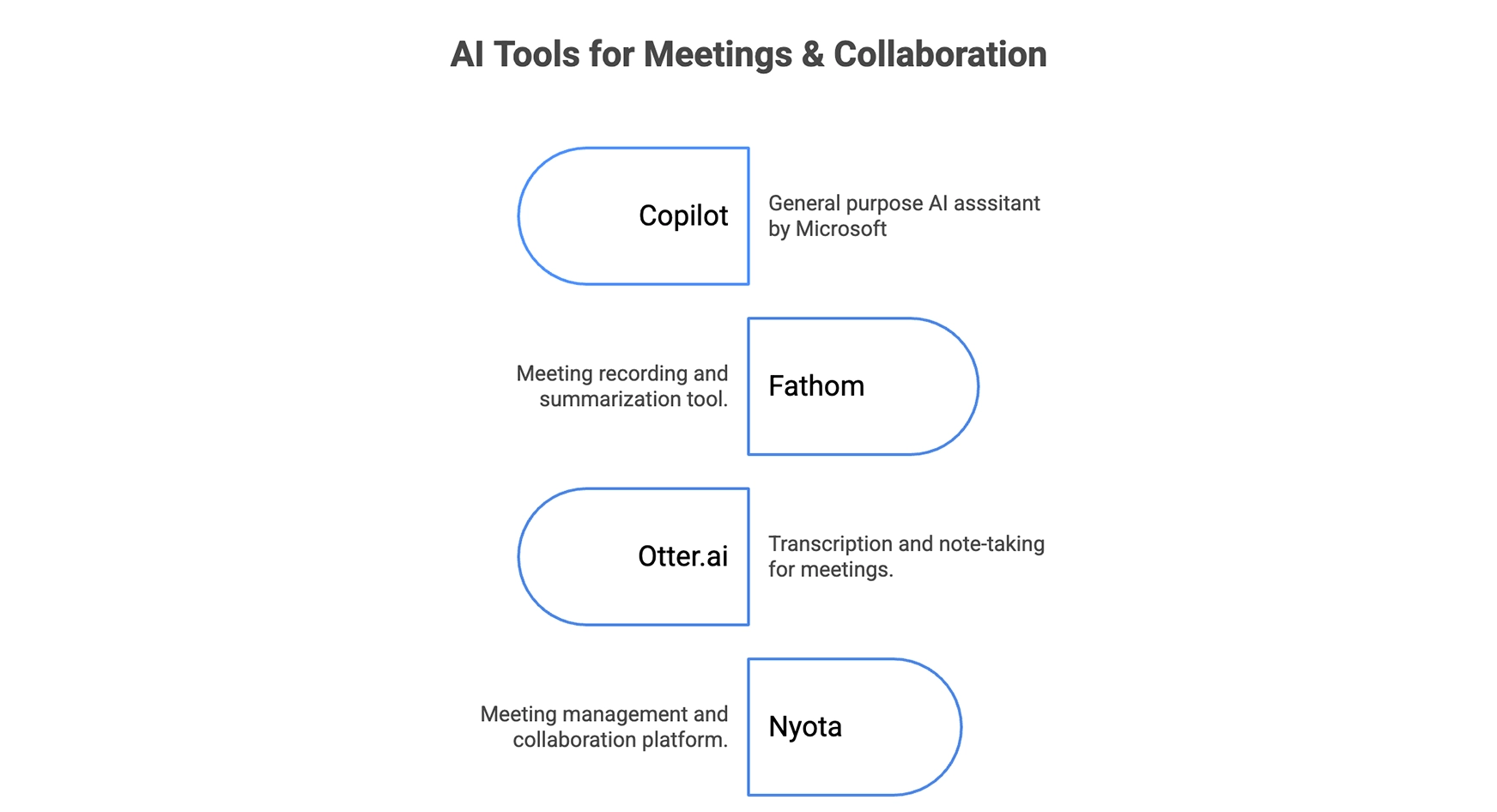
Copilot
Microsoft Copilot has quietly become one of the most impactful AI add-ons in the workplace. The most obvious reason for this is Microsoft’s dominance as an operating system across the globe. With every office using a Windows system, Copilot already had a massive audience to cater to even before its launch.
So how does it help? Copilot basically plugs directly into the most-used Microsoft tools like Word, Excel, Teams, and Outlook. It is then able to give you summaries, drafts, and insights without leaving your workflow.
The power of Copilot is context. Because it lives inside the Microsoft suite, it can pull data from across your emails, documents, and meetings, turning scattered information into actionable summaries or suggestions. For teams already embedded in Microsoft’s ecosystem, it’s like upgrading every tool you use daily.
For users beyond this ecosystem, the Copilot is also accessible through its web interface or natively on Bing. Here, it acts like just another AI assistant like ChatGPT or Grok.
Key Features: Microsoft integration, summaries, drafting, context-aware
Pricing: Free for Chatbot + Premium for the Microsoft ecosystem
Access: You can access Copilot here
Fathom
Fathom takes meeting notes to the next level. Instead of manually jotting down action items during a call, Fathom records, transcribes, and highlights key moments automatically. After the meeting, it delivers a neat summary with clear follow-ups.
This isn’t just a productivity win for individuals. Entire teams can stay aligned without rewatching hour-long calls. By eliminating the note-taking burden, Fathom frees people to actually engage in conversations, while still ensuring nothing important slips through.
Key Features: Recording, transcription, highlights, team sharing
Pricing: Free + Premium
Access: You can access Fathom here
Otter.ai
Otter.ai is one of the earliest and most trusted names in AI-powered transcription. Its real-time captions and searchable transcripts make it indispensable for interviews, lectures, and team calls. Over time, it has added collaboration features like shared notes and summaries, making it much more than just a dictation app.
The edge Otter has is reliability. While others are catching up, Otter consistently delivers accurate transcripts across accents and noisy environments. For anyone who lives on meetings, it’s a huge productivity booster.
Key Features: Real-time captions, searchable transcripts, and collaboration
Pricing: Free + Premium
Access: You can access Otter.ai here
Nyota
Nyota is a relatively new entrant, but it brings a fresh perspective to AI collaboration. Instead of just transcribing or summarising, it acts like a co-pilot during meetings, helping you ask better questions, surface relevant documents, and generate follow-ups on the fly.
It shifts the focus from “meeting documentation” to “meeting augmentation.” For fast-moving teams, Nyota is like having a live assistant that keeps conversations sharp and outcomes clearer.
Key Features: Live assistant, context-aware, follow-ups, smart prompts
Pricing: Only Premium
Access: You can access Nyota here
Knowledge & Research
Wish to explore a topic or learn about the latest trend? These AI tools will help you expand your knowledge base from a simple QnA conversation to extremely detailed reports.
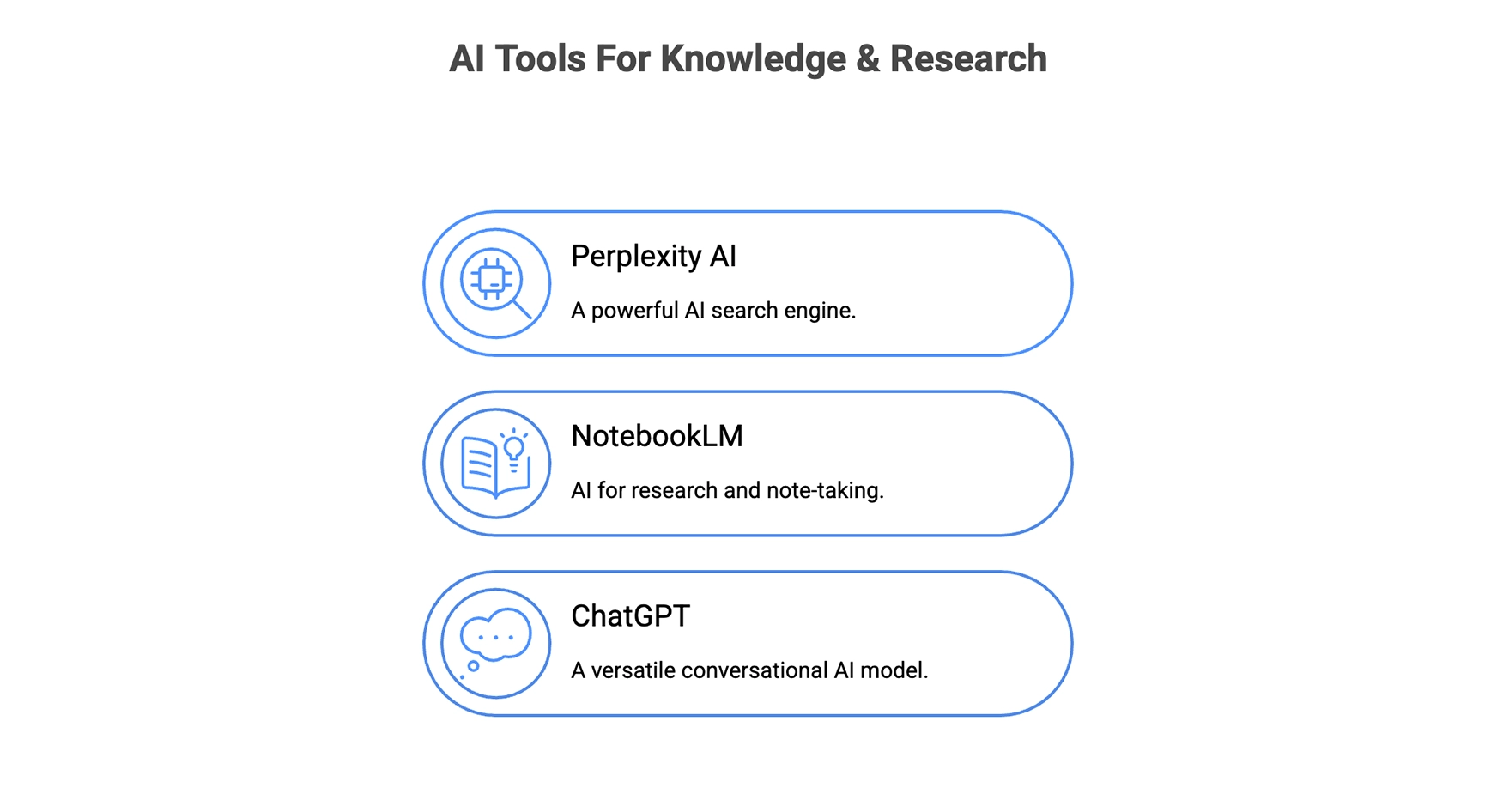
Perplexity AI
Perplexity is often called “the AI search engine,” and for good reason. Instead of giving you a wall of blue links, it responds to your query with a direct, well-cited answer, pulling from multiple sources in real time.
The biggest edge here is trust. Every answer links back to original sources, so you can double-check credibility instead of blindly relying on AI. For research, learning, or quick fact-checking, Perplexity feels like a smarter, more transparent version of Google.
Key Features: AI search, citations, real-time, reliable
Pricing: Free + Premium
Access: You can access Perplexity AI here
NotebookLM
Google’s NotebookLM (all about it here) is like having a research assistant built into your documents. You can upload your own sources like PDFs, notes, or docs, and then chat with the AI about them. Instead of manually scanning a hundred pages, NotebookLM pulls out summaries, explanations, and even connections you might have missed.
It’s especially useful for students, researchers, and professionals who need deep dives on custom material. By grounding itself in your data, NotebookLM avoids the “hallucination problem” that plagues general chatbots.
Key Features: Source-based, summarisation, personalised, research-friendly
Pricing: Free + Premium
Access: You can access NotebookLM here
ChatGPT
Yes, ChatGPT deserves a second mention here. This is because, beyond writing and assisting, it’s also one of the most powerful knowledge tools available. With plugins, browsing, and custom GPTs, it can also act as a personal research engine tailored to you.
Specific to this category, ChatGPT even has a “Research” mode available. It allows you to upload your own research material or simply research something across the web in as much detail as possible. Much like NotebookLM, it then proceeds to secure all relevant information from the depths of academic archives for extremely detailed research.
Key Features: Plugins, custom GPTs, research, adaptive
Pricing: Free + Premium
Access: You can access ChatGPT here
Conclusion
I don’t really need to say much here. Just go ahead and give any of the AI tools mentioned here a try for any specific task you have. Once you do, you will know for sure how these AI tools can streamline your work and supercharge your productivity.
There is just one thing to keep in mind. With the flood of AI in the market, do not be spoilt for choice. It is easy to lose sight of things and simply go on an AI spree. The real trick isn’t using all of them. It’s about picking the right mix of AI tools for your work. A writer might lean on ChatGPT and Grammarly. A marketer might swear by Midjourney and Synthesia. A manager might get more mileage out of Motion and Fathom.
So, try different AI tools for your work. Stick to only a couple. Combine their use to solve your workflow bottlenecks. Do this, and you will have double the productivity you have without them. Thank me later!







