
Image processing has had a resurgence with releases like Nano Banana and Qwen Image, stretching the boundary of what was previously possible. We’re no longer stuck with extra fingers or broken text. These models can produce life-like images and illustrations that mimic the work of a designer. Meta’s latest release, SAM3D, is here to make its own contribution to this ecosystem. With an ingenious approach to 3D object and body modelling, It’s here to present itself as a welcome addition to any designer’s arsenal.
This article will break down what SAM3D is, how you can access it and a hands-on for you to gauge its capabilities.
Table of contents
What is SAM3D?
SAM3D or Segment Anything Model 3D is a next-generation system for spatial segmentation in full 3D scenes. It works on point clouds, depth maps, and reconstructed volumes, and takes text or prompts instead of fixed class labels. This is object detection and extraction that operates directly in three dimensional space with AI driven understanding. While existing 3D models can segment broad classes like Human or Chair, SAM3D can isolate far more specific concepts like the tall lamp next to the sofa.
SAM3D overcomes these limits by using promptable concept segmentation in 3D space. It can find and extract any object you describe inside a scanned scene, whether you prompt with a short phrase, a point, or a reference shape, without depending on a set list of categories.
How to Access SAM3?
Here are some of the ways in which you can get access to the SAM3 model:
- Web-based playground/demo: There’s a web interface “Segment Anything Playground”, where you can upload an image or video, provide a text prompt (or exemplar), and experiment with SAM 3D’s segmentation and tracking functionality.
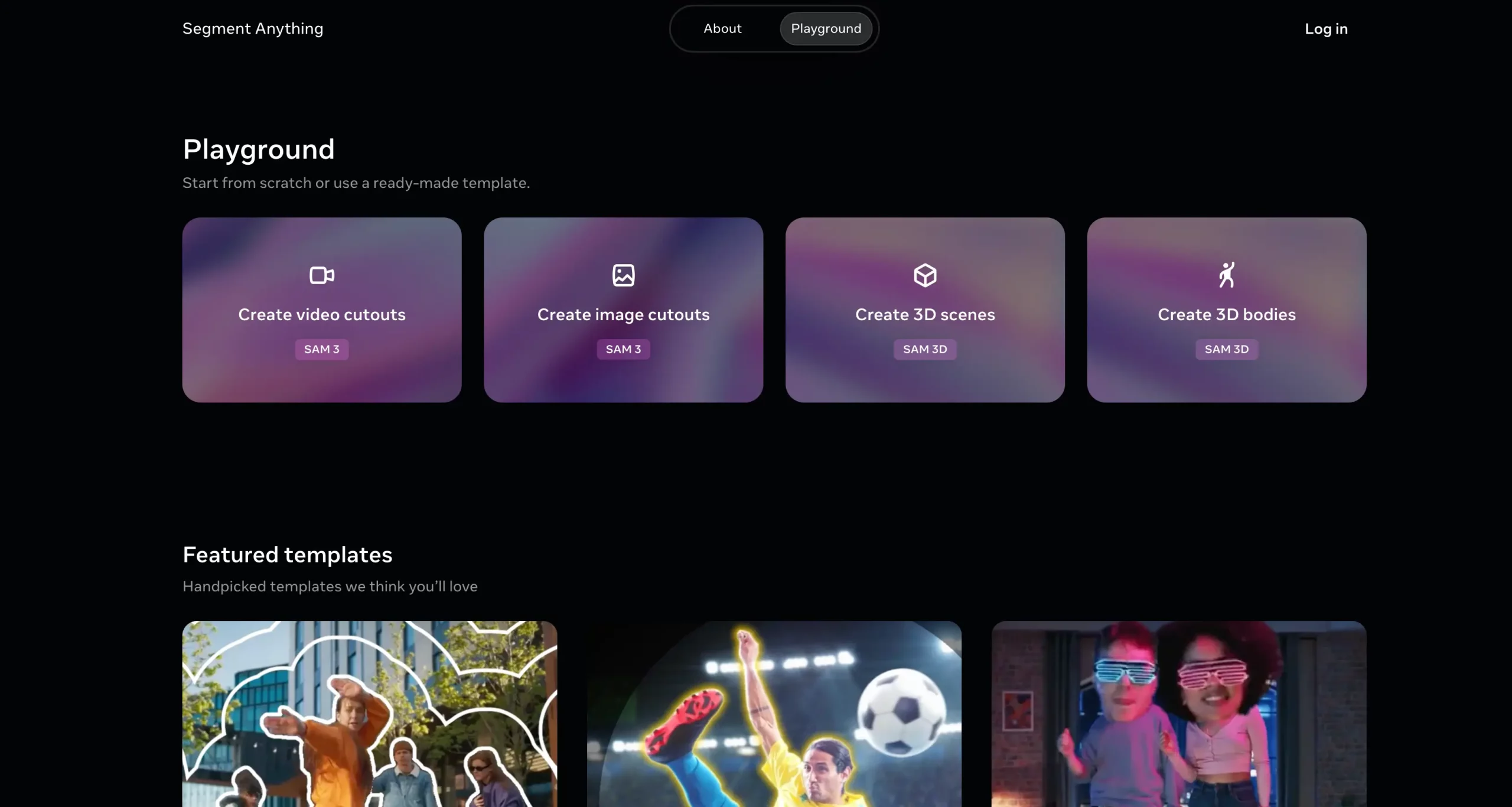
- Model weights + code on GitHub: The official repository by Meta Research (facebookresearch/sam-3d-body) includes code for inference and fine-tuning, plus links to download trained model checkpoints.
- Hugging Face model hub: The model is available on Hugging Face (huggingface/SAM3D) with description, how to load the model, example usage for images/videos.
You can find other ways of accessing the model from the official release page of SAM3D.
Practical Implementation of SAM3D
Let’s get our hands dirty. To see how well SAM3D performs I’d be putting it to test across the the two tasks:
- Create 3D Scenes
- Create 3D Bodies
The image used for demonstration are the sample images offered by Meta on their playground.
Create 3D Scenes
This tool allows 3D modelling of object from an image. Just click on an object and it would create an outline around it which you can further refine. For this test we’d be using the following image:

Response:
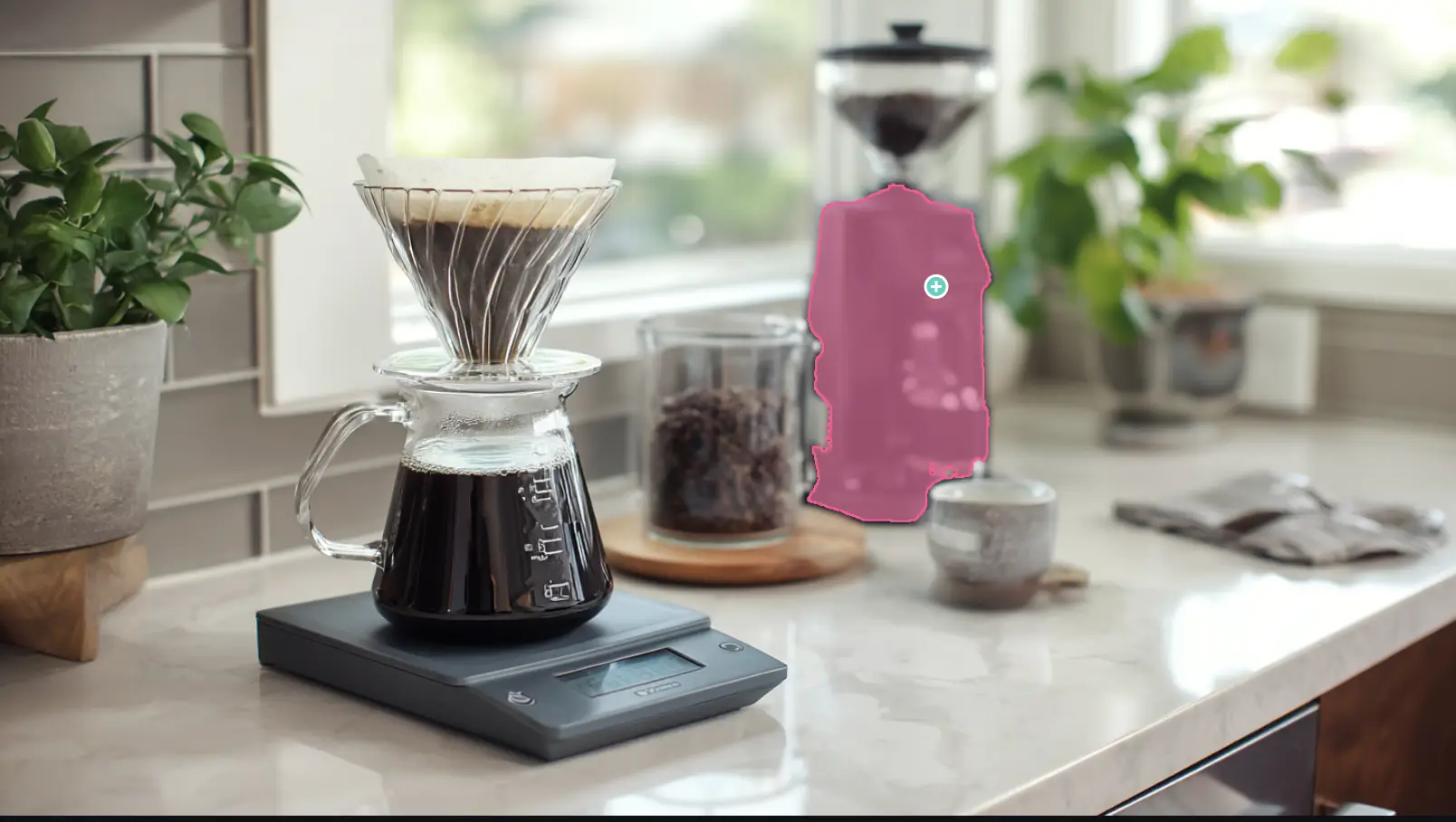
I received the following response after selecting the coffee machine:
The model was recognised that it was a coffee machine, and was able to model it akin to one. If you look closely at the visualization, there were parts of the coffee that weren’t even present in the image, but the model made it by itself, based on its understanding of a coffee machine.
Create 3D Bodies
For 3D body recognition, I’d be testing how well the model maps a human in a given image. For demonstration, I’d be using the following image:

Response:
It had correctly identified the only person in the clip and created an interactable 3D model out of his body. It was close to the body shape, which was desirable. For images that doesn’t consists of multiple subjects and are of high quality, this tool would prove useful.
Verdict
The model does its job. But I can’t help but feel restricted using it, especially compared to SAM3 which is a lot more customizable. Also, the 3D modelling isn’t perfect, especially in the case of object detection.
Here are some of the glaring issues that I had realized using the tool:
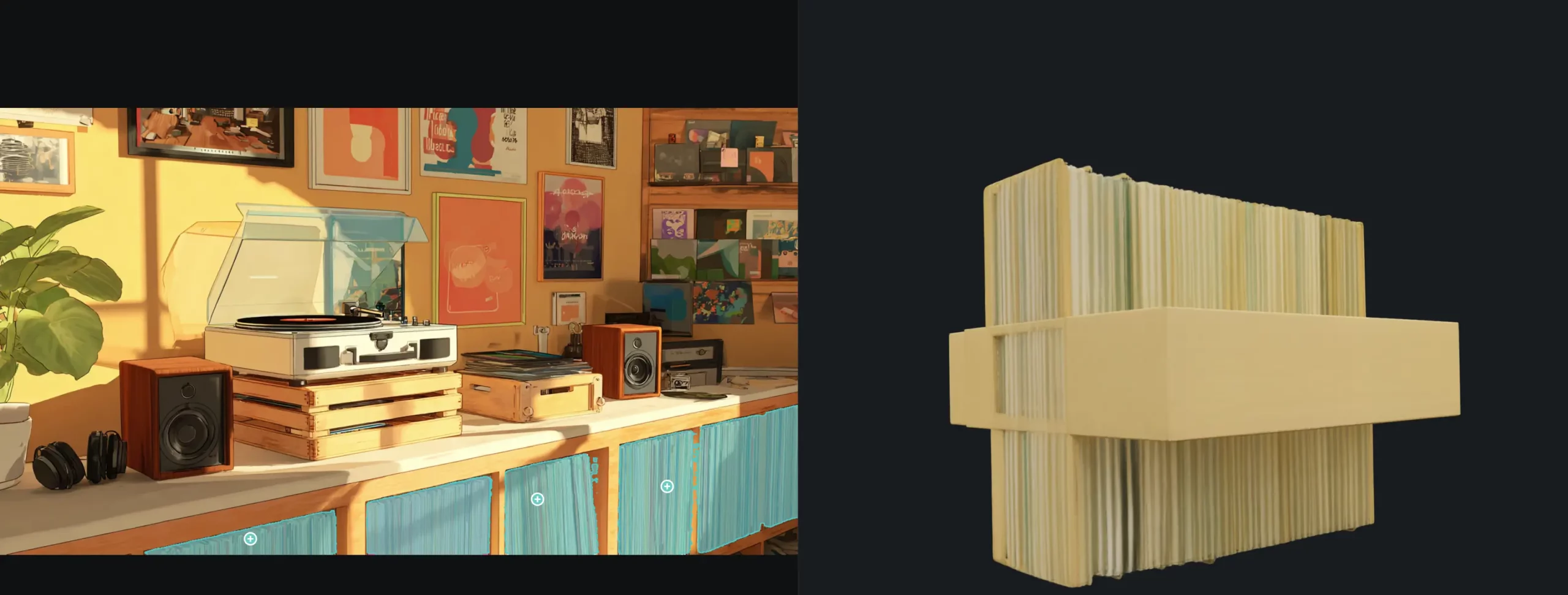
- Limited to simple images: The 3D body model performed well when I had used the sample images provided by Meta as an input. But struggled and performed poorly when I provided it images that weren’t this high quality and tailored to the tool:
- No manual selection: The 3D body tool recognizes the human bodies itself, and doesn’t allow any demarcation. This makes it hard to use the tool when the outline of the body isn’t correct or to our liking.
- Crashes and timeouts: When the input image is complicated and contains more than one subject (like in the first point), the model takes a lot of time to not only identify the bodies, but also a lot of hardware resources. To the point that sometimes the webpage would straight up crash out, due to lack of resources.
Conclusion
SAM3D raises the bar for working with 3D scenes by making advanced spatial segmentation far easier to use. What it brings to point clouds and volumes is a major step forward, while its ability to segment across multiple views opens fresh possibilities. SAM3D paired with SAM3 turns the duo into a strong choice for anyone who wants AI powered scene understanding in both 2D and 3D. The model is still evolving, and its capabilities will keep expanding as the research matures.
Frequently Asked Questions
Q1. What makes SAM3D different from typical 3D segmentation models?
A. It segments objects in full 3D using text or prompt cues instead of fixed class labels.
Q2. Can SAM3D isolate specific objects in complex scenes?
A. Yes. It can extract detailed concepts like a single lamp or a specific item based on prompts.
Q3. How can users access SAM3D for testing or development?
A. Through the web playground, GitHub code and weights, or the Hugging Face model hub.
I specialize in reviewing and refining AI-driven research, technical documentation, and content related to emerging AI technologies. My experience spans AI model training, data analysis, and information retrieval, allowing me to craft content that is both technically accurate and accessible.







