
If you write code for a living, you have probably noticed that “AI” is no longer a slide in a futurist keynote. It is a massive disruption that has essentially become a second pair of hands that sits next to you. The trick is knowing which pair of hands to invite into your workflow and for which job. The ten AI tools that I’ve listed below, I see developers actually depend-on in 2026, grouped into four everyday categories. None of them is magic, all of them have free tiers or open-source licences, and every single one can save you at least an hour this week if you give it an honest try.
Table of contents
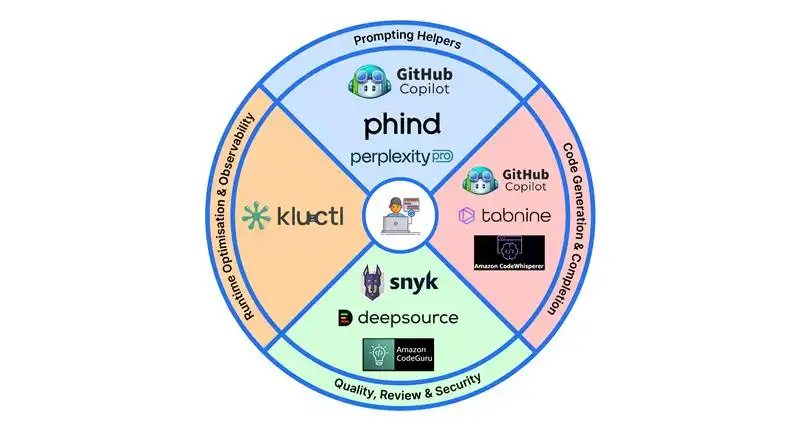
Prompting Helpers
GitHub Copilot Chat
Context-aware chat in your IDE. Select a gnarly function and ask “explain + refactor” to get a summary, risks, and a suggested patch. Remembers the open files and project symbols, so you don’t waste time pasting code.
- What It Does: Turns comments into code using OpenAI Codex; integrates directly into IDEs like VS Code.
- Key Features: Real-time code suggestions, pull request summaries, and unit test generation.
- Use Cases: Writing boilerplate, auto-generating tests.
- Pricing: Free, but limited usage.
- Why It Matters: Reduces coding time by up to 55% (GitHub data).
Phind
Search tuned for developers. Results bias toward Stack Overflow, official docs, and GitHub issues; follow-up questions keep the thread context. Great for “works locally, breaks in EKS,” you’ll see the exact flag or manifest field you missed.
- What It Does: Developer-focused AI search engine with context retention.
- Key Features: Threaded context, citation links, technical bias toward Stack Overflow and docs.
- Use Cases: Debugging “works locally, fails in EKS” issues; finding config flags.
- Pricing: $20/month.
- Why It Matters: Saves hours of googling and provides answers tuned for engineering depth.

Perplexity Pro
Concise answers with citations to RFC sections, commits, and docs. Pro can index a repo so you can ask cross-file questions like “where do we validate SAML assertions?” and jump straight to lines. Useful when you inherit a legacy codebase.
- What It Does: Conversational AI search that surfaces answers with references to RFCs, commits, and official docs.
- Key Features: Repo indexing for cross-file Q&A, citation-backed answers.
- Use Cases: Code comprehension, API lookup, legacy repo navigation.
- Pricing: $20/month.
- Why It Matters: Faster than reading full threads; trusted sources only.
Read more: Everything You Need to Know About Perplexity Pro
Code Generation & Completion
Cursor
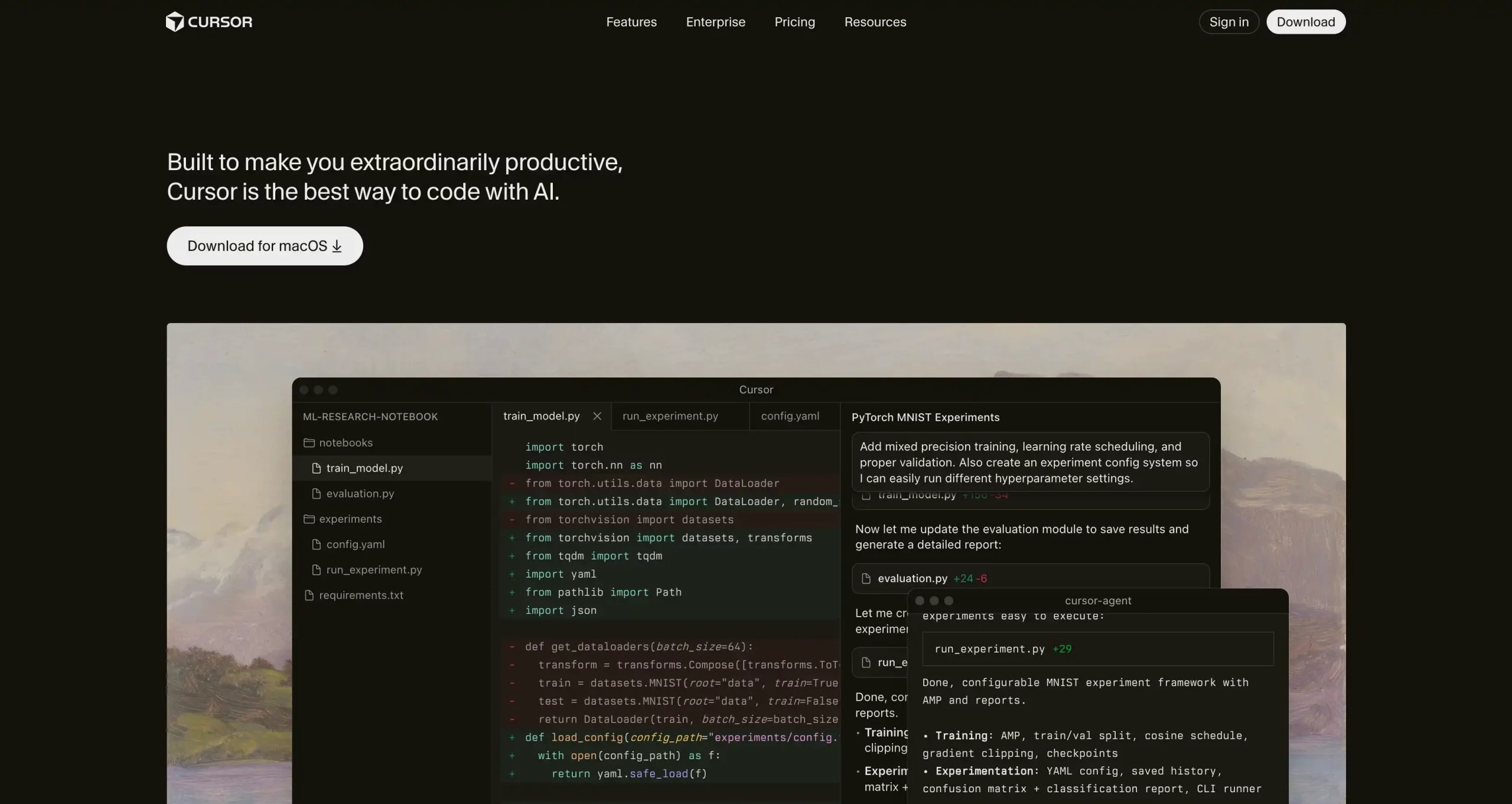
Built for developers who want an AI-native coding environment. Cursor is a full IDE powered by finetuned LLMs. It reads your codebase, suggests edits inline, and can refactor entire files through chat. Think of it as VS Code redesigned for AI pair programming.
- What It Does: AI-first code editor that deeply integrates natural language coding, refactoring, and context-aware suggestions.
- Key Features: Full IDE experience, multi-file understanding, instant refactoring, built-in chat for explanations, and Git integration.
- Use Cases: Refactoring legacy code, exploring unfamiliar repos, generating boilerplate, or debugging through conversational prompts.
- Pricing: Free tier available (named Hobby); Pro starts at $20/month.
- Why It Matters: Cursor blurs the line between writing and reviewing code, and the model understands your entire project context, making AI assistance feel native instead of bolted on.
Read more: How to Set up GitHub Copilot
Amazon Q Developer
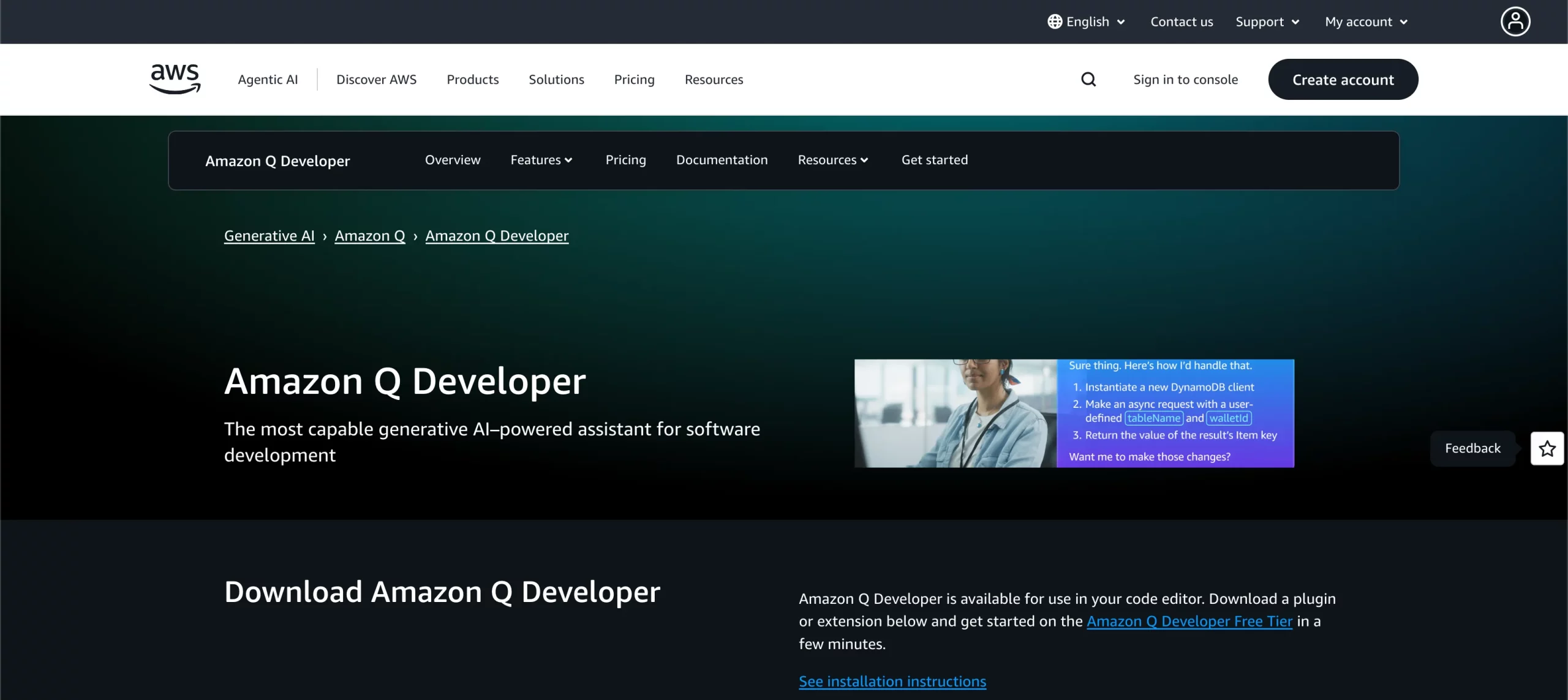
Best fit for AWS-heavy projects. Understands SDK calls, IAM patterns, and can suggest ARNs/resources that already exist. Built-in secret scanning catches keys before they ever hit a commit.
- What It Does: AWS-aware AI code generator that understands your IAM setup, SDK calls, and Lambda patterns.
- Key Features: Context-aware completions, secret scanning, security checks.
- Use Cases: AWS-heavy app development, infrastructure scripting, error reduction.
- Pricing: $19/month.
- Why It Matters: Integrates security scanning directly into the coding workflow.
Read more: Top 12 AI Code Generators
Tabnine
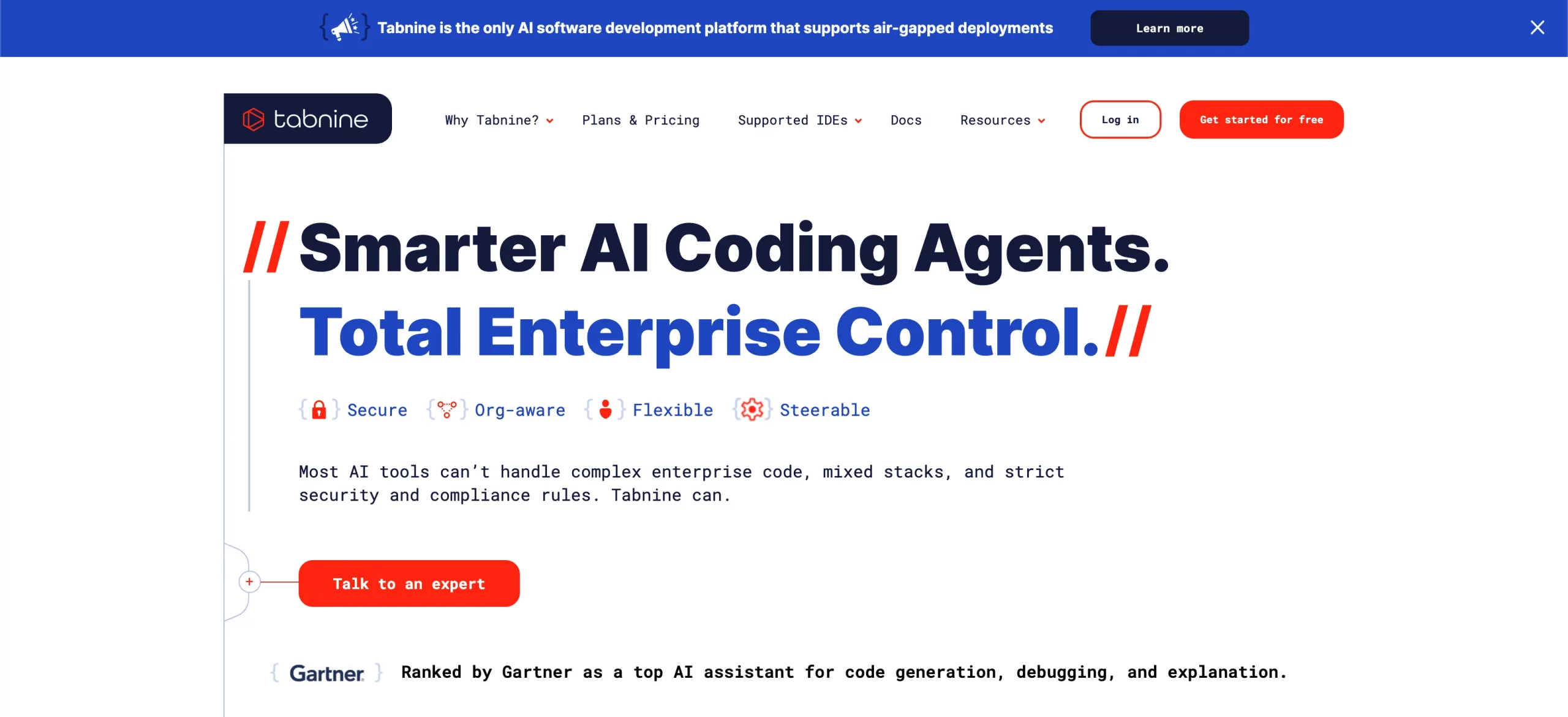
Local or VPC-hosted models for teams with strict data rules. Trains on your internal repos to match naming, tests, and patterns; it will nudge you when you drift from the house style. Legal and security teams tend to relax around it.
- What It Does: Local or private AI model for autocomplete trained on your own repos.
- Key Features: Offline mode, team-wide learning, custom training on internal codebases.
- Use Cases: Privacy-compliant code assistance for regulated industries.
- Pricing: $12/month.
- Why It Matters: Keeps your IP safe. No data leaves your network.
Quality, Review & Security
Snyk Code
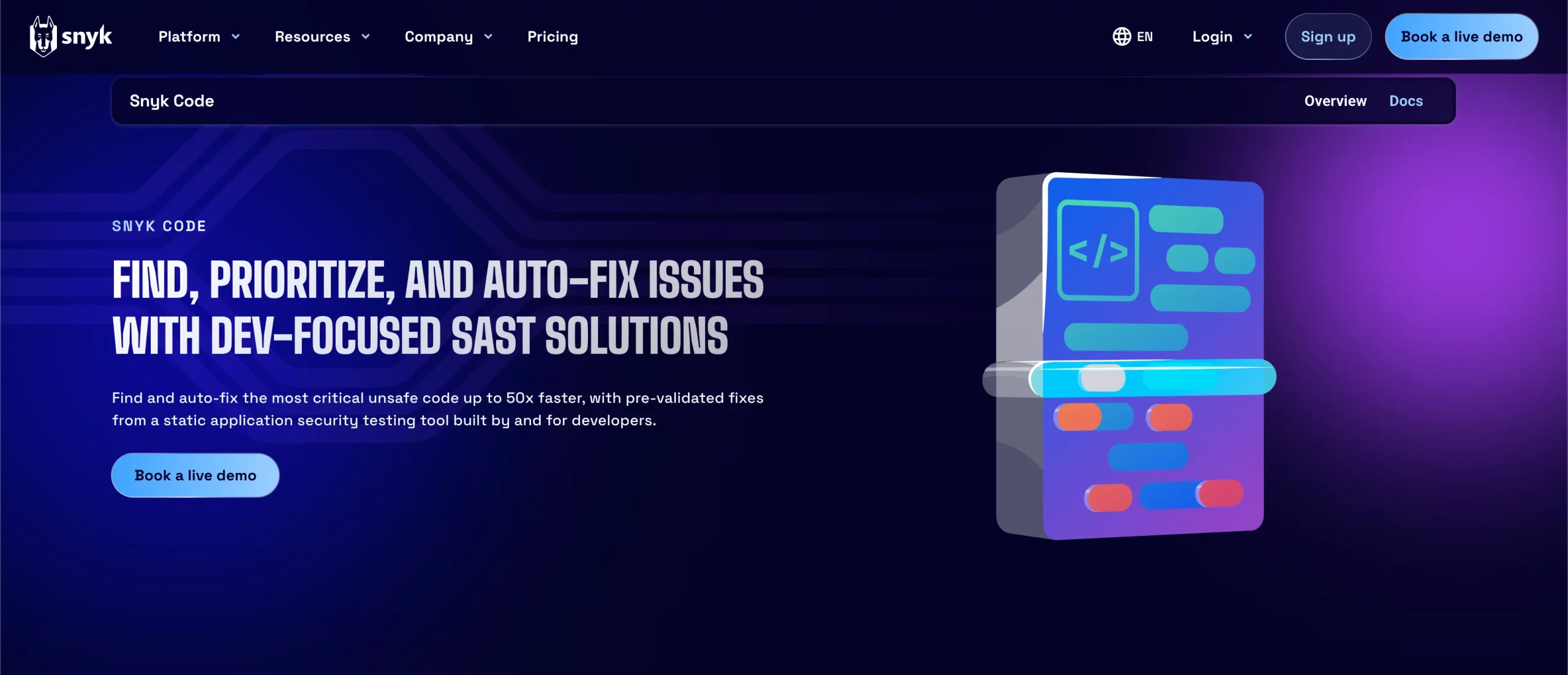
Real-time SAST as you type. Flags injection, insecure deserialization, and the usual suspects with short fix guidance (e.g., “use parameterized queries”). Pairs well with a dependency scan to cover both code and libraries.
- What It Does: Real-time SAST (static analysis) to find and fix vulnerabilities while coding.
- Key Features: Injection detection, deserialization checks, parameterization tips.
- Use Cases: Security-focused teams, CI/CD vulnerability prevention.
- Pricing: $25/month.
- Why It Matters: Cuts down post-deploy security fixes by up to 70%.
CodeGuru Reviewer
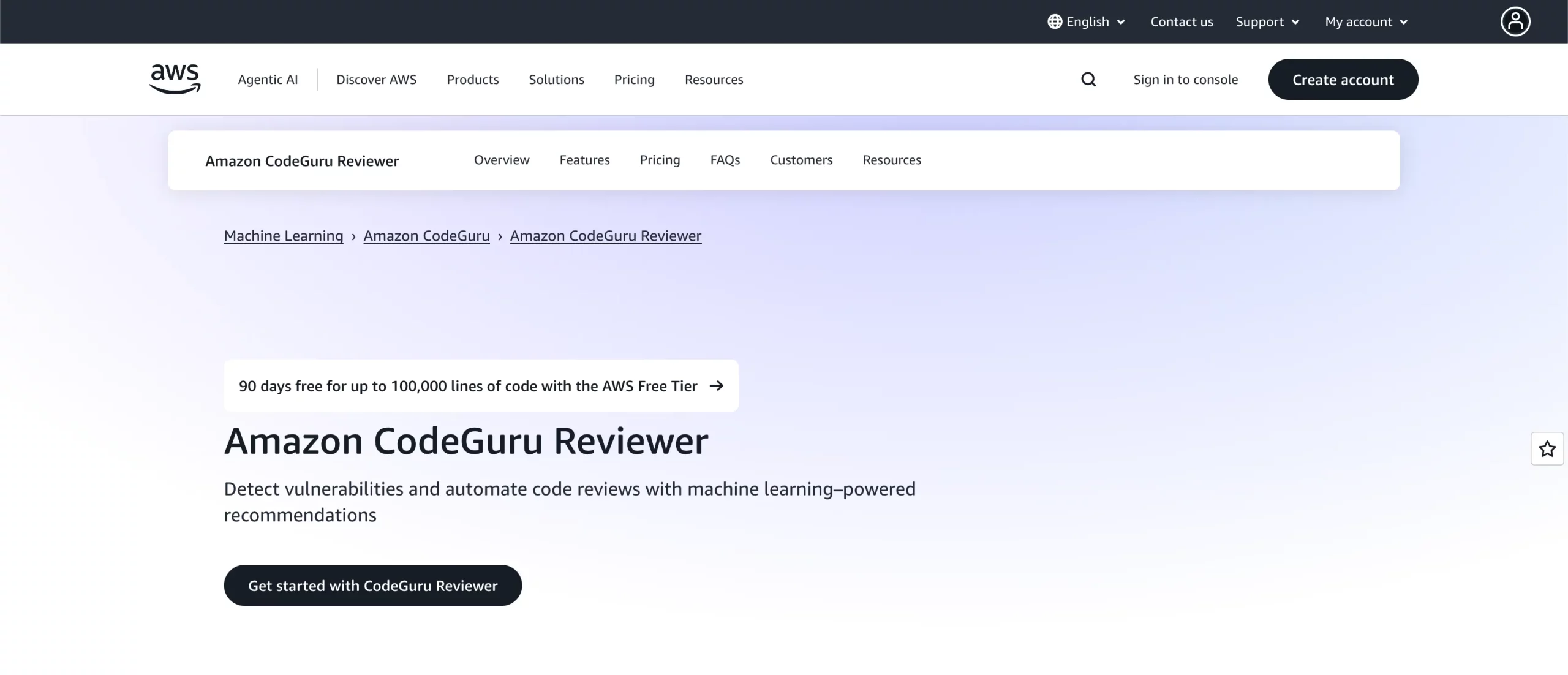
AWS code review focused on hot paths and waste. Spots memory churn, log-heavy lambdas, and missing pagination, then suggests cheaper patterns (streaming, pooling, batch ops). The best wins show up in your bill.
- What It Does: Automated code review service from AWS that identifies performance bottlenecks and cost inefficiencies.
- Key Features: Detects inefficient memory usage, missing pagination, excessive logging; integrates with GitHub and CodeCommit.
- Use Cases: Optimizing AWS applications, improving performance, and reducing infrastructure costs.
- Pricing: $8/month per person.
- Why It Matters: Highlights code inefficiencies that directly affect cost and runtime performance.
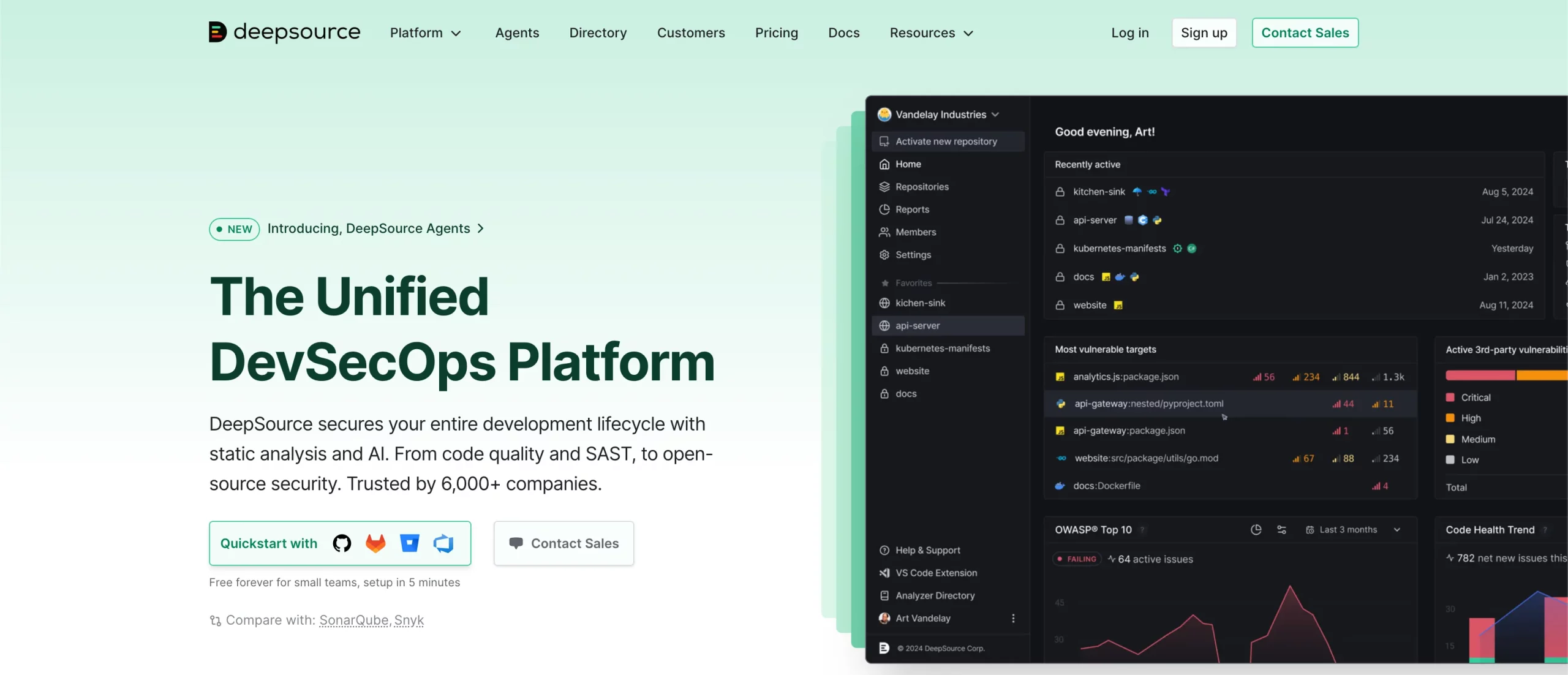
DeepSource
A bot that comments only when a new issue appears. Covers Go, JS/TS, Python, Ruby, Terraform, and enforces your chosen linters and formatters. Keeps noise low so teams actually read and act on feedback.
- What It Does: Automated code review bot integrated into CI/CD to catch regressions.
- Key Features: Works across Go, JS/TS, Python, Ruby, Terraform; only comments on new issues.
- Use Cases: Maintaining “green” main branch, enforcing linting standards.
- Pricing: $8/month per person.
- Why It Matters: Low-noise, high-signal reviews that actually get read.
Runtime Optimisation & Observability
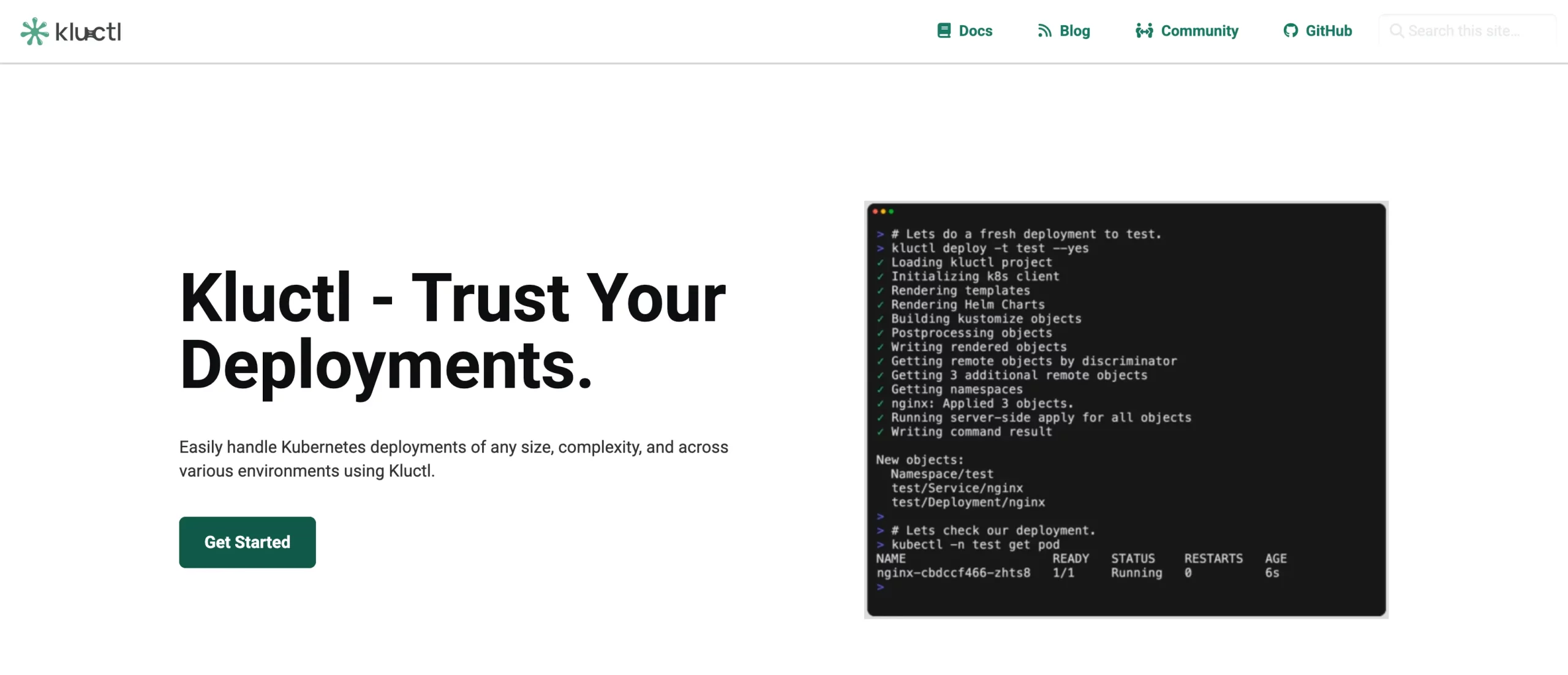
Kluctl
GitOps for Kubernetes with a natural-language helper. Say “scale checkout to zero from 01:00–05:00 UTC,” get a PR with the KEDA ScaledObject YAML, validated in staging. Cuts midnight toil and encodes ops as code you can review.
- What It Does: A GitOps framework that lets you manage Kubernetes deployments easily.
- Key Features: YAML templating, diff previews, staging validation, Kluctl assistant (natural language ops).
- Use Cases: Automated K8s deployments, scaling policies, and cost optimization.
- Pricing: Free (open source).
- Why It Matters: Encodes ops in Git so infrastructure changes are reviewable and repeatable.
Keeping Your Own Code Style
AI tools for developers are only as good as the examples they’ve been trained on. Feed them your own snippets: export a few hundred merged pull-requests, strip personal data, and let Tabnine or CodeWhisperer ingest the corpus. The model will start aligning with your brace placement, test naming conventions, and even your quirky log prefixes. The first week feels like pair-programming with a polite clone of yourself; after that, you will wonder how you ever tolerated generic Stack Overflow style.
Security & Privacy Checklist
The following things have to be taken into consideration while developers use AI tools:
- Prefer tools that run on your infrastructure for anything that touches customer data.
- Disable telemetry during setup; most tools bury the toggle three menus deep.
- Run a nightly job that scans for new AI-generated secrets; even the best models hallucinate credentials.
It’s better to double- or triple-check everything that goes through the AI.
The Human Edge
AI tools for developers are brilliant at pattern matching, but mediocre at intent. It will happily generate a beautiful React form that posts credit-card numbers over HTTP if your prompt forgets to mention TLS security. Your job is shifting from typing every semicolon to being the product owner of intent: state the problem clearly, define the edge cases, and review the outcome. The developers who are to thrive are the ones who treat AI like a very eager intern: give it clear specs, check its work, and never let it speak to production alone.
Frequently Asked Questions
Q1. Will these AI tools replace junior developers?
A. They replace boilerplate, not juniors. The key is rapid AI integration.
Q2. Which AI tool works offline for security-critical developers?
A. Tabnine local mode and CodeWhisperer offline sandbox both run entirely inside your VPC without phoning home.
Q3. How do I stop AI autocomplete from leaking secrets?
A. Enable the built-in secret detector, add a pre-commit hook with gitleaks, and never let the model see production.env files.
Studying, evaluating, and explaining AI systems for over 6 years.
“𝘖𝘯𝘤𝘦 𝘮𝘦𝘯 𝘵𝘶𝘳𝘯𝘦𝘥 𝘵𝘩𝘦𝘪𝘳 𝘵𝘩𝘪𝘯𝘬𝘪𝘯𝘨 𝘰𝘷𝘦𝘳 𝘵𝘰 𝘮𝘢𝘤𝘩𝘪𝘯𝘦𝘴 𝘪𝘯 𝘵𝘩𝘦 𝘩𝘰𝘱𝘦 𝘵𝘩𝘢𝘵 𝘵𝘩𝘪𝘴 𝘸𝘰𝘶𝘭𝘥 𝘴𝘦𝘵 𝘵𝘩𝘦𝘮 𝘧𝘳𝘦𝘦. 𝘉𝘶𝘵 𝘵𝘩𝘢𝘵 𝘰𝘯𝘭𝘺 𝘱𝘦𝘳𝘮𝘪𝘵𝘵𝘦𝘥 𝘰𝘵𝘩𝘦𝘳 𝘮𝘦𝘯 𝘸𝘪𝘵𝘩 𝘮𝘢𝘤𝘩𝘪𝘯𝘦𝘴 𝘵𝘰 𝘦𝘯𝘴𝘭𝘢𝘷𝘦 𝘵𝘩𝘦𝘮.” — 𝖥𝗋𝖺𝗇𝗄 𝖧𝖾𝗋𝖻𝖾𝗋𝗍, 𝖣𝗎𝗇𝖾







